
Venn图示例 by Dr Brooks (10)
几何画板及绘图内容加载中,请稍等……
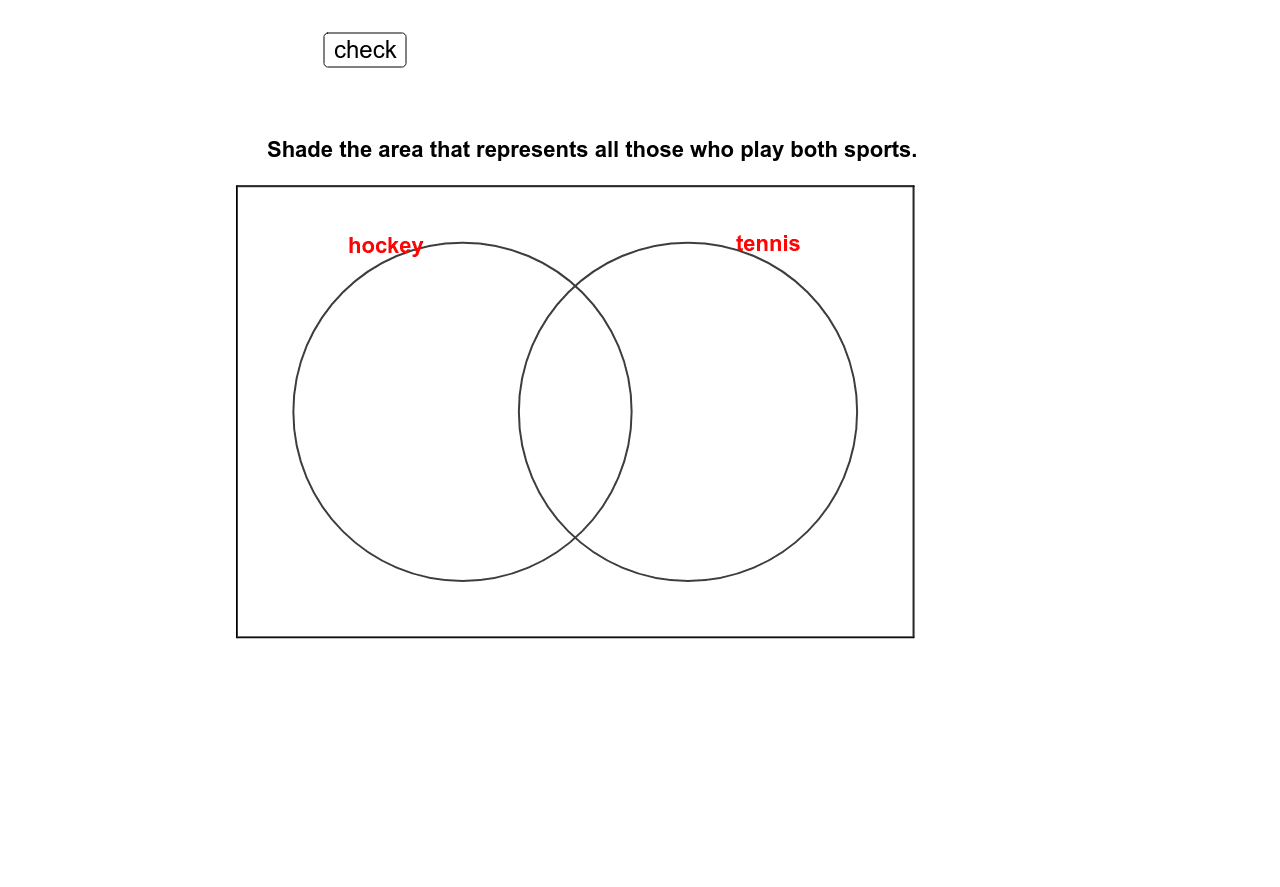
这个范例演示了Venn图的绘制方法。Venn图用于展示集合之间的关系。通过使用Polygon, Point, Circle等GeoGebra命令,可以轻松构造Venn图。适合初中及以上学生学习集合论。
GeoGebra 命令及参数
Polygon(A, D, C, B) → poly1, a, d, c, bPoint(xAxis) → EPoint(xAxis) → FCircle(E, G) → eCircle(F, H) → fIf(Mod[tagg, 2] ≟ 0, "white", "green") → colgIf(Mod[tagh, 2] ≟ 0, "white", "green") → colhIf(Mod[tagi, 2] ≟ 0, "white", "green") → coliIf(Mod[tagj, 2] ≟ 0, "white", "green") → coljMod(tagg, 2) → tagg2Mod(tagh, 2) → tagh2Mod(tagi, 2) → tagi2Mod(tagj, 2) → tagj2
AI 绘图提示语参考
画一个韦恩图,包含两个相交的圆圈。首先画两个圆,圆心分别为x轴上的点E和F,然后用白色或绿色填充圆内的区域,具体填充颜色根据圆的位置决定。
以上提示语为根据原始绘图命令整理而来,仅供参考。