
图形变换识别练习
几何画板及绘图内容加载中,请稍等……
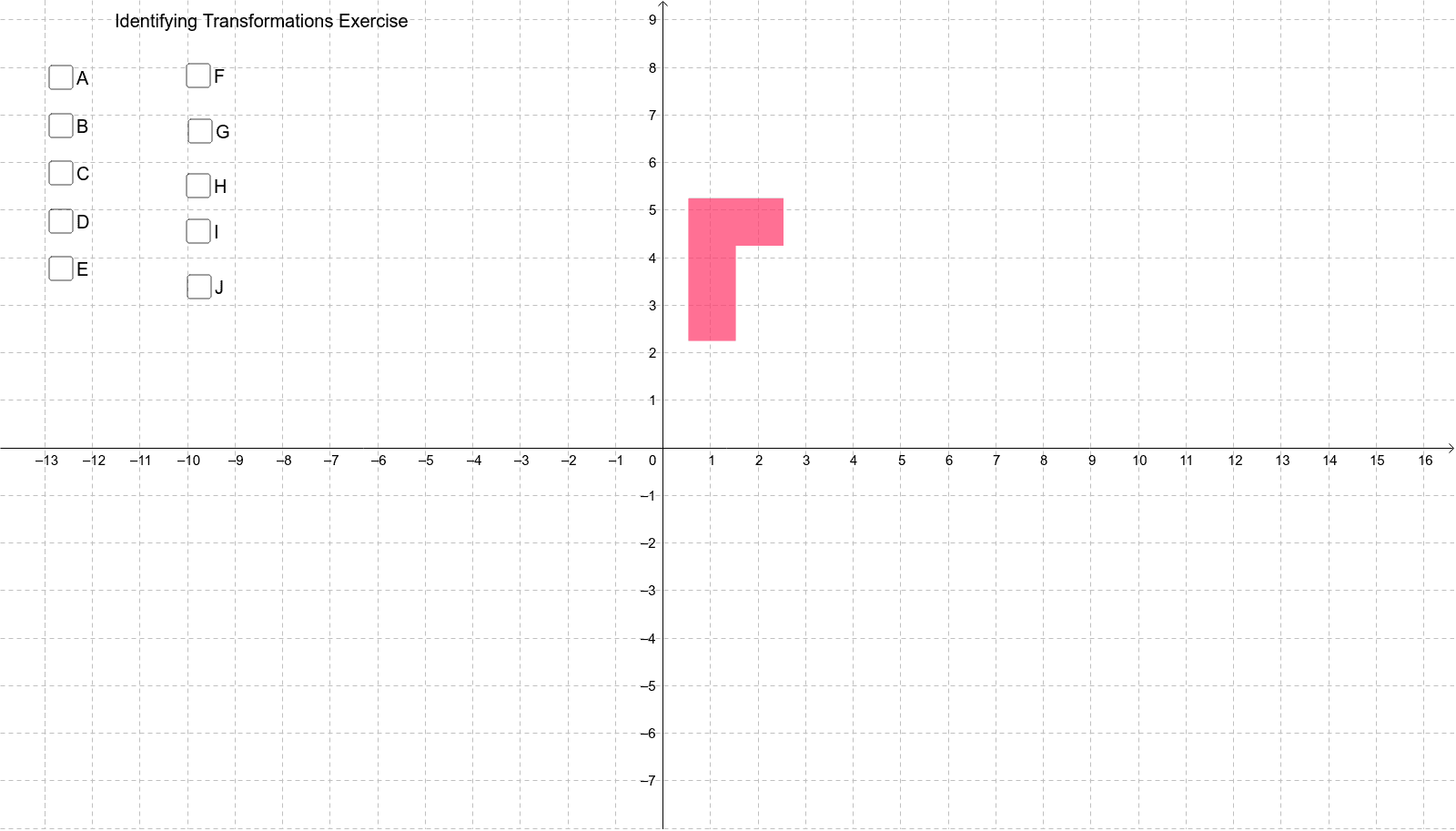
本范例演示了图形变换中的反射、旋转和平移。通过使用GeoGebra中的Mirror、Rotate和Translate命令,学生可以理解这些变换的基本原理及其在几何作图中的应用。适合初中及以上学生学习几何变换。
GeoGebra 命令及参数
Intersect(xAxis, yAxis) → APolygon(C, D, E, F, G, H) → poly1, c_1, d_1, e, f, g, hMirror(C, c) → C'Mirror(D, c) → D'Mirror(E, c) → E'Mirror(F, c) → F'Mirror(G, c) → G'Mirror(H, c) → H'Polygon(C', D', E', F', G', H') → poly1', c', d', e', f', g', h'Mirror(C, b) → C'_1Mirror(D, b) → D'_1Mirror(E, b) → E'_1Mirror(F, b) → F'_1Mirror(G, b) → G'_1Mirror(H, b) → H'_1Polygon(C'_1, D'_1, E'_1, F'_1, G'_1, H'_1) → poly1'_1, c'_1, d'_1, e'_1, f'_1, g'_1, h'_1Mirror(C, d) → C'_2Mirror(D, d) → D'_2Mirror(E, d) → E'_2Mirror(F, d) → F'_2Mirror(G, d) → G'_2Mirror(H, d) → H'_2Polygon(C'_2, D'_2, E'_2, F'_2, G'_2, H'_2) → poly1'_2, c'_2, d'_2, e'_2, f'_2, g'_2, h'_2Mirror(C, j) → C'_3Mirror(D, j) → D'_3Mirror(E, j) → E'_3Mirror(F, j) → F'_3Mirror(G, j) → G'_3Mirror(H, j) → H'_3Polygon(C'_3, D'_3, E'_3, F'_3, G'_3, H'_3) → poly1'_3, c'_3, d'_3, e'_3, f'_3, g'_3, h'_3Mirror(C, i) → C'_4Mirror(D, i) → D'_4Mirror(E, i) → E'_4Mirror(F, i) → F'_4Mirror(G, i) → G'_4Mirror(H, i) → H'_4Polygon(C'_4, D'_4, E'_4, F'_4, G'_4, H'_4) → poly1'_4, c'_4, d'_4, e'_4, f'_4, g'_4, h'_4Rotate(C, 90*°, A) → C'_5Rotate(D, 90*°, A) → D'_5Rotate(E, 90*°, A) → E'_5Rotate(F, 90*°, A) → F'_5Rotate(G, 90*°, A) → G'_5Rotate(H, 90*°, A) → H'_5Polygon(C'_5, D'_5, E'_5, F'_5, G'_5, H'_5) → poly1'_5, c'_5, d'_5, e'_5, f'_5, g'_5, h'_5Rotate(C, 180*°, A) → C'_6Rotate(D, 180*°, A) → D'_6Rotate(E, 180*°, A) → E'_6Rotate(F, 180*°, A) → F'_6Rotate(G, 180*°, A) → G'_6Rotate(H, 180*°, A) → H'_6Polygon(C'_6, D'_6, E'_6, F'_6, G'_6, H'_6) → poly1'_6, c'_6, d'_6, e'_6, f'_6, g'_6, h'_6Rotate(C, -90*°, I) → C'_7Rotate(D, -90*°, I) → D'_7Rotate(E, -90*°, I) → E'_7Rotate(F, -90*°, I) → F'_7Rotate(G, -90*°, I) → G'_7Rotate(H, -90*°, I) → H'_7Polygon(C'_7, D'_7, E'_7, F'_7, G'_7, H'_7) → poly1'_7, c'_7, d'_7, e'_7, f'_7, g'_7, h'_7Dilate(C, k, A) → C'_8Dilate(D, k, A) → D'_8Dilate(E, k, A) → E'_8Dilate(F, k, A) → F'_8Dilate(G, k, A) → G'_8Dilate(H, k, A) → H'_8Polygon(C'_8, D'_8, E'_8, F'_8, G'_8, H'_8) → poly1'_8, c'_8, d'_8, e'_8, f'_8, g'_8, h'_8Dilate(C, L, B) → C'_9Dilate(D, L, B) → D'_9Dilate(E, L, B) → E'_9Dilate(F, L, B) → F'_9Dilate(G, L, B) → G'_9Dilate(H, L, B) → H'_9Polygon(C'_9, D'_9, E'_9, F'_9, G'_9, H'_9) → poly1'_9, c'_9, d'_9, e'_9, f'_9, g'_9, h'_9Ray(A, G) → lRay(A, C) → sLine(H, B) → tLine(D, B) → a_1
AI 绘图提示语参考
画一个多边形,然后通过该多边形中心点沿坐标轴做镜像,得到三个镜像多边形,再通过该中心点沿另一条轴做镜像,得到四个镜像多边形,最后将多边形和所有镜像多边形绕中心点顺时针旋转90度和180度,得到两个旋转后的图形。
以上提示语为根据原始绘图命令整理而来,仅供参考。