
对称矩形与相似三角形
几何画板及绘图内容加载中,请稍等……
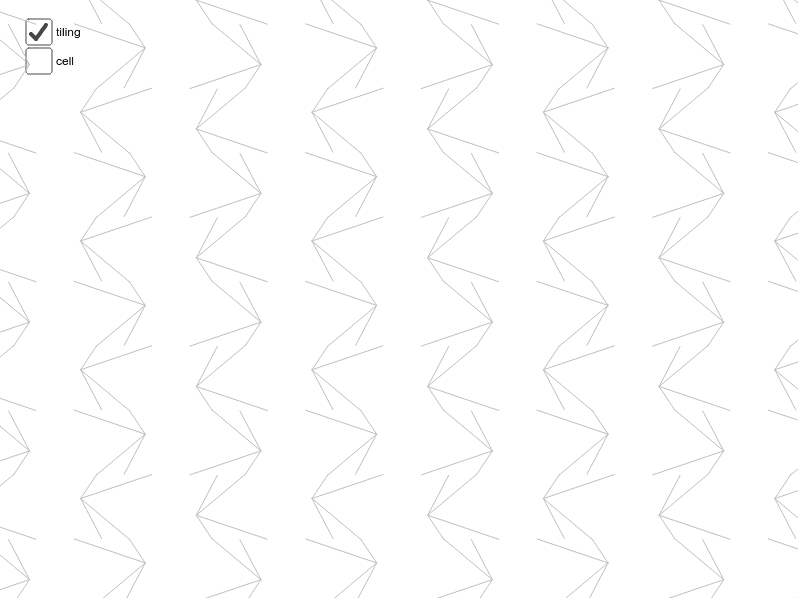
①本范例演示了如何通过构造对称矩形和相似三角形来展示几何对称性;②涉及的核心数学概念包括对称、矩形、相似三角形、复数等;③作图要点——从下方『构造摘要』提炼用到了Segment(线段)、Midpoint(中点)、Point(点)、Vector(向量)、Mirror(镜像)、Translate(平移)、Sequence(序列)、LineBisector(角平分线)等GeoGebra命令/对象;④适合高中数学教学,用于理解几何变换与复数表示。
GeoGebra 命令及参数
Segment(K, N) → hSegment(K, M) → gSegment(K, L) → fSegment(J, K) → eMidpoint(C, A) → HPoint(xAxis) → BMidpoint(C, B) → IVector(C, I) → tVector(B, I) → wMidpoint(D, C) → GMidpoint(B, D) → FSegment(H, F) → bMirror(cell1, b) → cell3Translate(cell3, t) → cell3aMidpoint(A, B) → ESegment(E, G) → cMirror(cell1, c) → cell2Translate(cell2, w) → cell2aMirror(cell2, b) → cell4Vector(A, B) → uVector(A, C) → vVector(C, D) → w_1Vector(B, D) → aSequence(Translate[Sequence[Translate[tile, Vector[(n * u)]], n, -3, 3], Vector[(m * v)]], m, -3, 3) → tilingSegment(H, I) → rSegment(E, I) → sLineBisector(C, G) → kLineBisector(G, D) → lLineBisector(C, H) → mLineBisector(H, A) → n
AI 绘图提示语参考
画一个矩形,并展示其对称性。首先,在矩形的一角绘制三条线段,分别连接该角与其他三个顶点。接着,找到矩形的对角线中点,并绘制一条连接对角线中点的线段。然后,利用向量工具,将矩形沿对角线中点对称反射,并平移得到新的图形。最后,绘制相似三角形,并展示它们与矩形的关系。
以上提示语为根据原始绘图命令整理而来,仅供参考。