
矩阵变换中的齐次坐标
几何画板及绘图内容加载中,请稍等……
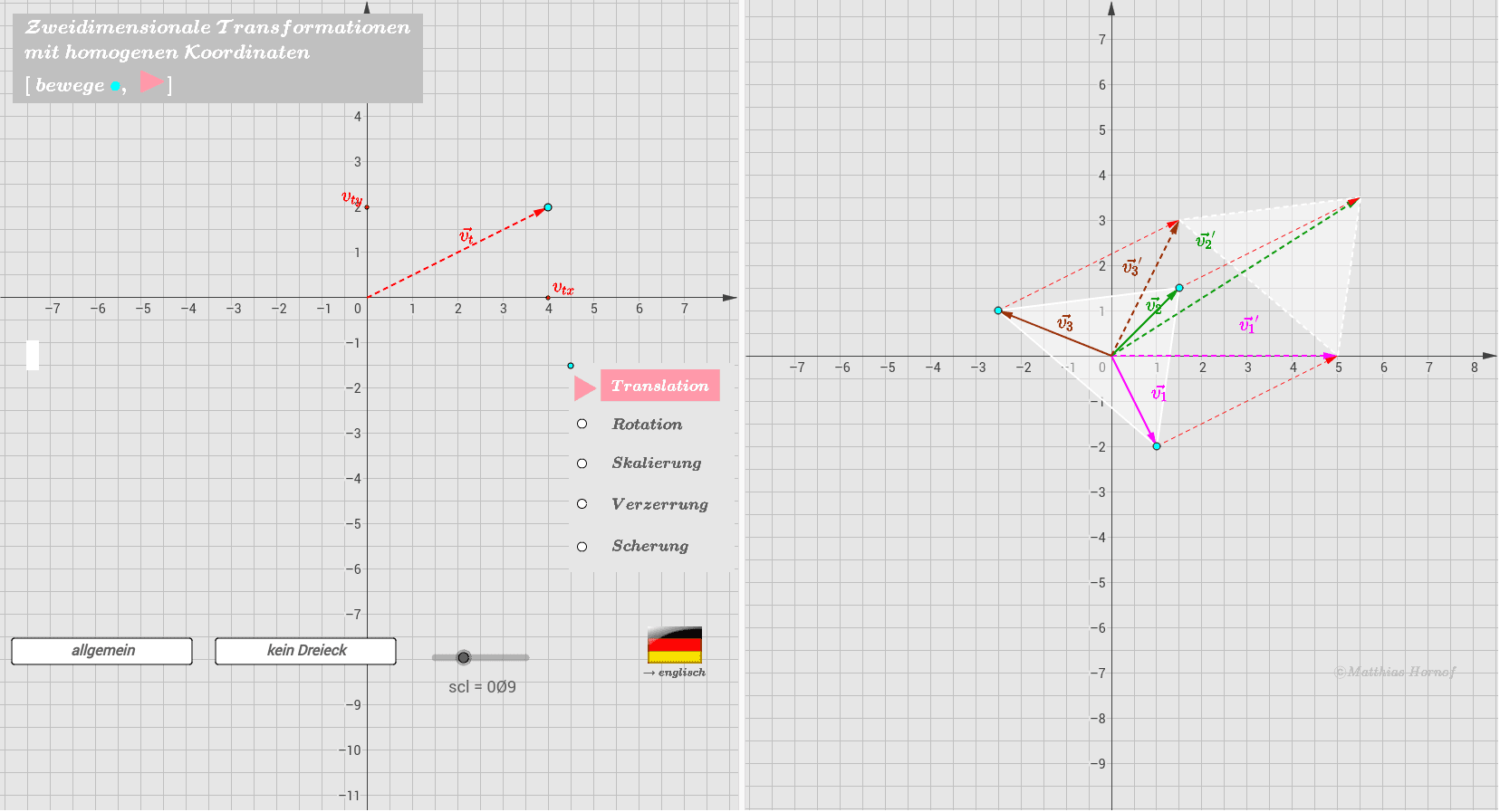
本范例演示了如何使用齐次坐标进行几何变换。通过矩阵乘法,可以实现平移、旋转、缩放等变换。核心概念包括齐次坐标、矩阵乘法和几何变换。使用了Segment, Point, Circle, Angle, Vector, Polygon等GeoGebra命令。适合高中数学教学和学习。
GeoGebra 命令及参数
Segment(Pos + (0.25, -0.5), Pos + (0.25, -4)) → psPoint(ps) → NvCircle(M_0, M_1) → dPoint(d) → M_2Angle(M_1, M_0, M_2) → dwPoint(xAxis) → S_xPoint(yAxis) → S_yVector((0, 0), P_1) → v_1Vector((0, 0), T) → v_TVector((0, 0), P_2) → v_2Vector((0, 0), P_3) → v_3Vector(P_1, P_1 + v_T) → v_{t1}Vector(P_2, P_2 + v_T) → v_{t2}Vector(P_3, P_3 + v_T) → v_{t3}Polygon(Q_1, Q_2, Q_3) → Vieleck2, a, b, cPolygon(P_1, P_2, P_3) → Vieleck1, p_3, p_1, p_2CircleArc(M_0, M_1, M_2) → eIf(tr ≟ 0, "1", If[w0, "\textcolor{red}{" + (Text[cos(dw)]) + "}", "\textcolor{red}{cos(\alpha)}"]) → A_{11}If(tr ≟ 0, "0", If[w0, "\textcolor{red}{" + (Text[(-sin(dw))]) + "}", "\textcolor{red}{-sin(\alpha)}"]) → A_{12}If(tr ≟ 0, If[w0, "\textcolor{red}{" + (Text[x(T)]) + "}", "\textcolor{red}{v_{tx}}"], "0") → A_{13}If(tr ≟ 0, "0", If[w0, "\textcolor{red}{" + (Text[sin(dw)]) + "}", "\textcolor{red}{sin(\alpha)}"]) → A_{21}If(tr ≟ 0, "1", If[w0, "\textcolor{red}{" + (Text[cos(dw) + "}"]), "\textcolor{red}{cos(\alpha)}"]) → A_{22}If(tr ≟ 0, If[w0, "\textcolor{red}{" + (Text[y(T)]) + "}", "\textcolor{red}{v_{ty}}"], "0") → A_{23}CircleArc((0, 0), P_1, (0, 0) + w_1) → k_1CircleArc((0, 0), P_2, (0, 0) + w_2) → k_2CircleArc((0, 0), P_3, (0, 0) + w_3) → k_3Vector((0, 0), S_x) → u_{sx}Vector((0, 0), S_y) → u_{sy}Vector((0, 0), Sch) → u_{sch}Sequence(Pos + (Element[Pos_2, i, 1], Element[Pos_2, i, 2]), i, 1, 5) → Lnv