
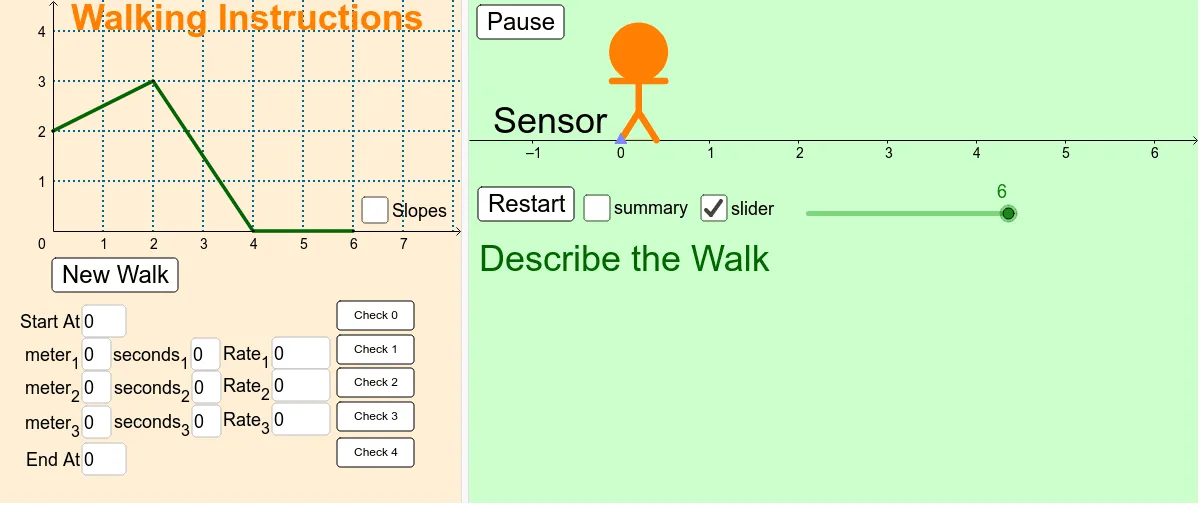
3-3行走指令
几何画板及绘图内容加载中,请稍等……
①本范例演示了使用 GeoGebra 构建与操作三角形、积分、切线函数及饼图等数学元素的过程;②涉及核心概念包括:等腰三角形、定积分、切线函数、圆及微积分;③作图要点:运用了 Random, Slope, Segment, Textfield, Line, Point, LineBisector, Circle, Mirror 等命令及对象;④适合高中及以上数学学习者和教师用于教学演示与探索。
GeoGebra 命令及参数
Random(0, 4) → y4Random(0, 4) → y3Slope(Line[C, D]) → cRandom(0, 4) → y2Slope(Line[B, C]) → bRandom(0, 4) → y1Slope(Line[A, B]) → aSegment(A, B) → dSegment(B, C) → eSegment(C, D) → fTextfield(Rate_1) → InputBox3Textfield(Rate_2) → InputBox6Textfield(Rate_3) → InputBox9Line(A, B) → lLine(B, C) → nLine(C, D) → qTextfield(meter1') → InputBox1Textfield(meter2') → InputBox2Textfield(meter3') → InputBox4Textfield(seconds1') → InputBox5Textfield(seconds2') → InputBox7Textfield(meter3') → InputBox8Point(Circle[L, 0.4]) → ESegment(L, E) → gLineBisector(g) → hPoint(h) → FPoint(h) → GPoint(h) → HCircle(H, G) → kSegment(G, F) → mSegment(L, F) → pSegment(E, F) → sPoint(Circle[G, 0.3]) → ISegment(G, I) → iMirror(I, h) → I'Segment(G, I') → jTextfield(seconds3') → InputBox10Textfield(StartValue) → InputBox11Textfield(StopValue) → InputBox12