
Year 11 Methods Demo: Revolution about the x-axis
Loading the math board and drawing, please wait…
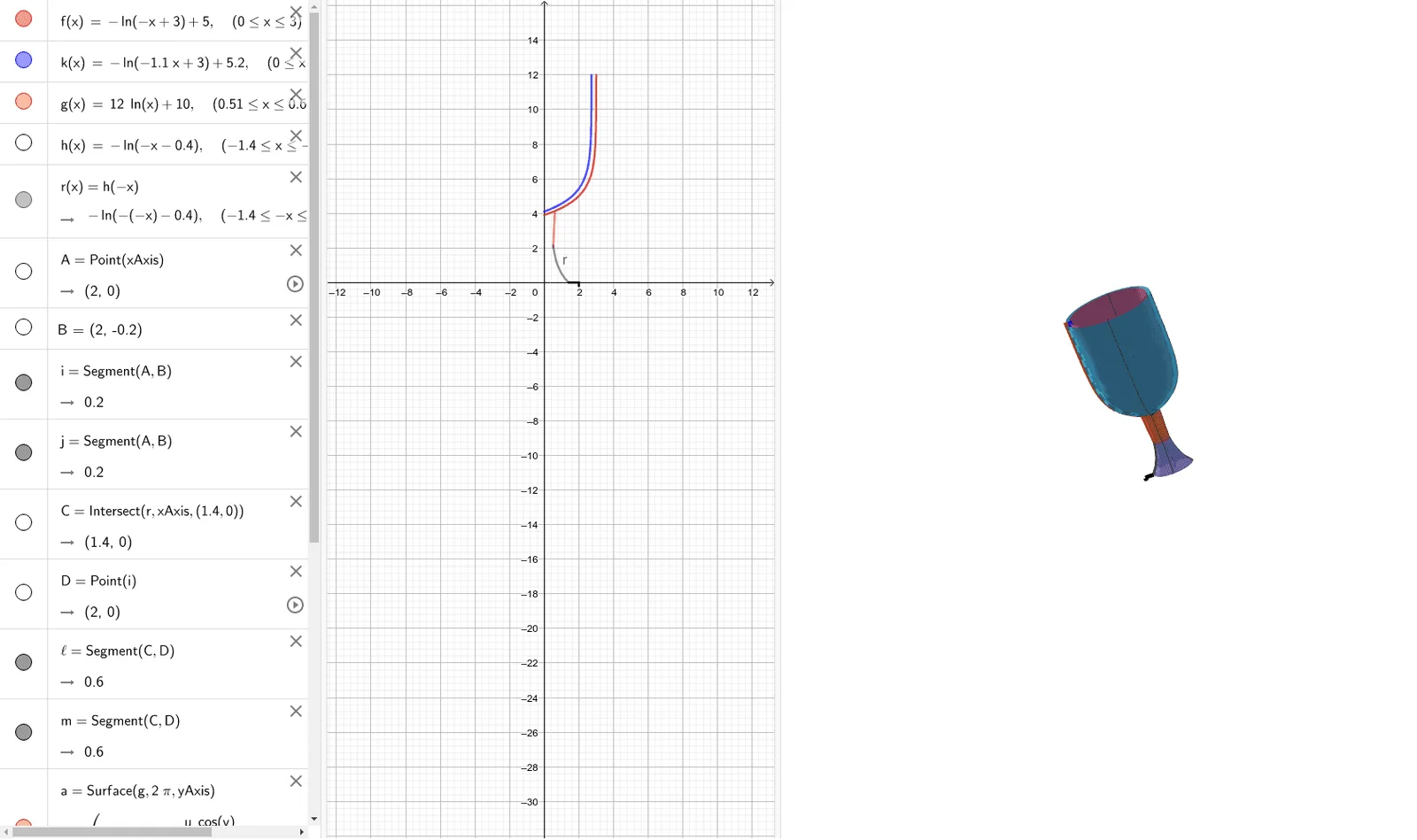
This example demonstrates the revolution about the x-axis for Year 11 math assignments. Key mathematical concepts include integral calculus. Using GeoGebra commands such as Point, Segment, Intersect, and Surface, the rotation surface is constructed. Suitable for high school math education and learning.
GeoGebra Commands & Parameters
Point(xAxis) → ASegment(A, B) → iSegment(A, B) → jIntersect(r, xAxis, (1.4, 1.1102230246251565E-16)) → CPoint(i) → DSegment(C, D) → lSegment(C, D) → mSurface(g, (2 * π), yAxis) → aSurface(f, (2 * π), yAxis) → bSurface(k, (2 * π), yAxis) → cSurface(r, (2 * π), yAxis) → d
AI Drawing Prompt Reference
Draw a shape rotated about the x-axis. Start by taking a point A on the x-axis, then draw two segments i and j from A. Find point C on the x-axis and draw two more segments l and m from C. Finally, rotate the four segments 2π radians around the x-axis to form four surfaces a, b, c, and d.
The prompt above was compiled from the original drawing commands and is for reference only.