
Writing Polynomial Functions from Graphs
Loading the math board and drawing, please wait…
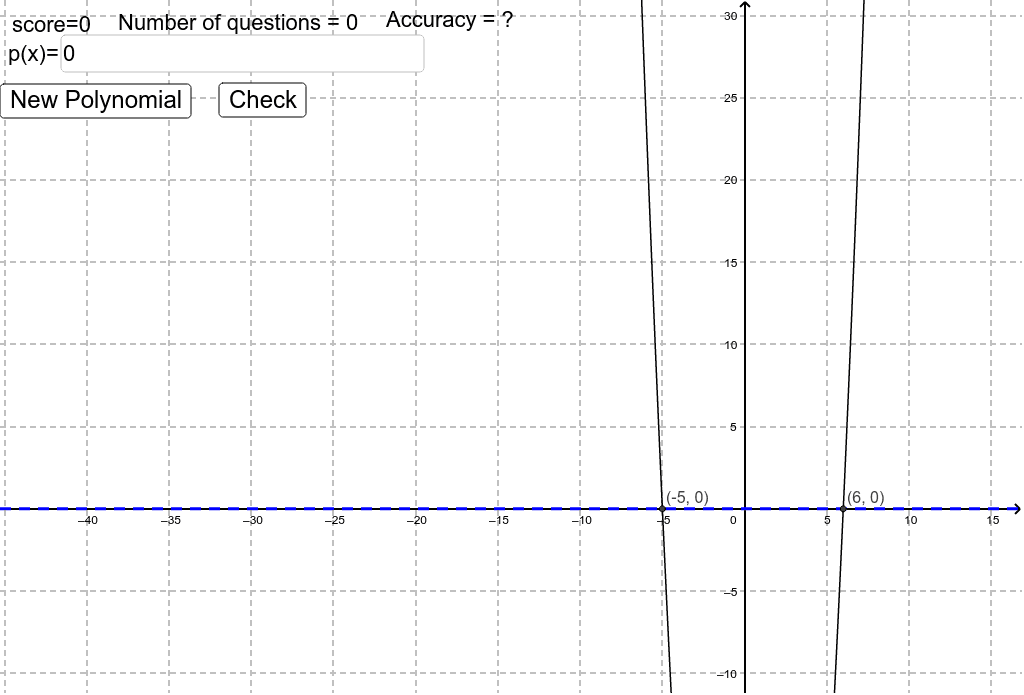
This example demonstrates how to write polynomial function expressions based on given graphs. It involves core mathematical concepts such as polynomial functions, quadratic equations, symmetry, exponential functions, and quadrilaterals. The construction utilizes GeoGebra commands like RandomElement, Random, Text, Textfield, and objects including a, b, c, r1, r2, r3, f, p, samegraph, A, B, C, D, E, F, G, R1, R2, R3, correct, Incorrect, score, text1, inputBox1, button1, button2, check, problems, accu, questions, accur. It is suitable for high school students learning about the graphs and properties of polynomial functions and solving for their expressions.
GeoGebra Commands & Parameters
RandomElement({-2, -1.5, -1, -0.5, -0.3333333333333333, -0.25, 0.25, 0.3333333333333333, 0.5, 1, 1.5, 2}) → aRandomElement({0, 1, 2, 3}) → bRandomElement({0, 1, 2}) → cRandom(-6, 6) → r1Random(-6, 6) → r2Random(-6, 6) → r3Text(("score=" * score)) → text1Textfield(f) → inputBox1Text(("Number of questions = " * problems)) → questionsText(("Accuracy = " * accu)) → accur
AI Drawing Prompt Reference
Create a demonstration of writing polynomial function expressions from graphs, featuring randomly generated polynomial function images and parameters, highlighting core concepts like symmetry, exponential functions, and quadrilaterals, with labels for score, number of problems, and accuracy.
The prompt above was compiled from the original drawing commands and is for reference only.