
Writing Linear Equations by Shaira Reynaldo
Loading the math board and drawing, please wait…
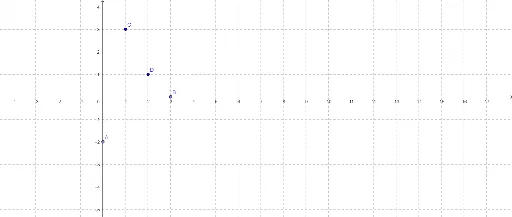
This example demonstrates how to write linear equations by plotting points and lines. Key math concepts include linear equations, coordinate geometry, and point representation. It uses GeoGebra's Point command to create points A, B, C, D. Suitable for middle school and above students learning to write linear equations, or for mathematical teaching demonstrations.
GeoGebra Commands & Parameters
Point(yAxis) → APoint(xAxis) → B
AI Drawing Prompt Reference
Draw two coordinate axes on a graph, create a point on the y-axis and another on the x-axis, and then plot a line through these two points to demonstrate how to write linear equations, highlighting the concepts of linear equations and coordinate geometry, suitable for teaching and learning purposes.
The prompt above was compiled from the original drawing commands and is for reference only.