
Wind Power Generator
Loading the math board and drawing, please wait…
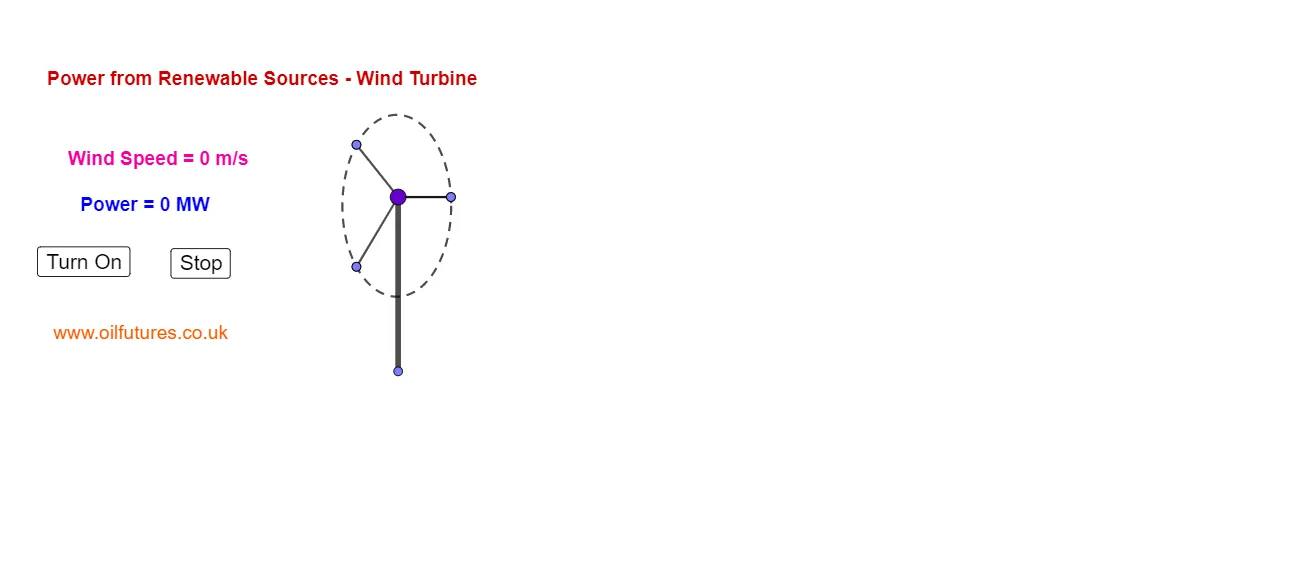
This example demonstrates the working principle of a wind turbine, focusing on the relationship between wind speed and power generation. Key mathematical concepts include functions and vectors. The model is constructed using commands such as rotation and intersection, suitable for high school physics and mathematics education.
GeoGebra Commands & Parameters
Intersect(f, yAxis, (0, 0)) → CPoint(xAxis) → DSegment(C, D) → gSegment(C, E) → hSegment(C, F) → iRotate(l1, (5 * a)) → l1'Point(l1') → GSegment(C, G) → jPoint(l1') → HSegment(C, H) → kPoint(l1') → ISegment(I, C) → lPoint(l1') → JSegment(C, J) → mCircle(I, H, J) → cText("Wind Speed = " + a + " m/s") → text2Point(yAxis) → KSegment(C, K) → nText("Power = " + b + " MW") → text1Text("www.oilfutures.co.uk") → text3
AI Drawing Prompt Reference
Draw a wind turbine schematic. Start with a horizontal axis and a vertical axis intersecting at a point. From this point, draw a segment to a point on the horizontal axis to represent the ground. Then draw three rays from the origin in different directions to indicate wind directions. Next, draw a line at an angle to the horizontal axis, place several points on it, and connect each point to the origin with segments, forming rotating blade outlines. Use three of these points to draw a circle representing the swept area. Add text labels showing wind speed and power values, and include a website address.
The prompt above was compiled from the original drawing commands and is for reference only.