
Whistler Applet 3 with Add-ons for Multiplication
Loading the math board and drawing, please wait…
In collections
Whistler BCAMT Conference 2018
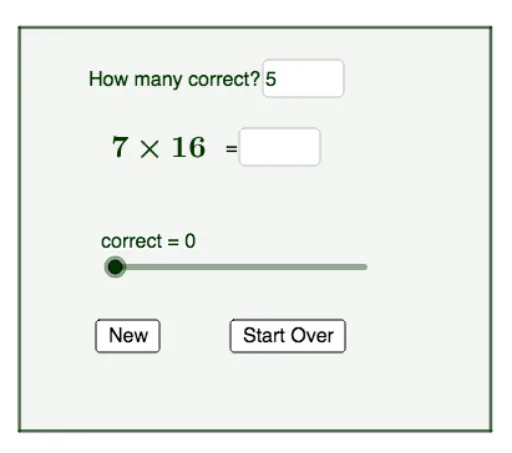
This example demonstrates multiplication with additional features. Key mathematical concepts include complex numbers, random experiments, and input boxes. Using GeoGebra commands such as Random, Textfield, and Point, an interactive mathematical tool is constructed. Suitable for secondary school mathematics education, particularly for teaching complex numbers and random experiments.
GeoGebra Commands & Parameters
Random(2, 10) → aRandom(10, 20) → bTextfield(empty) → InputBox1Point(yAxis) → APoint(xAxis) → CIntersect(xAxis, yAxis) → DPolygon(A, B, C, D) → q1, a_1, b_1, c_1, dTextfield(goal) → InputBox2
AI Drawing Prompt Reference
Draw a graph with four points: A on the y-axis, C on the x-axis, D at the intersection of x-axis and y-axis. Connect A, B, C, D to form a polygon. B and D are randomly generated points within ranges 2 to 10 and 10 to 20. Include input boxes for random numbers and target values. The design should be simple and suitable for math education.
The prompt above was compiled from the original drawing commands and is for reference only.