
Weighted Averages in a Triangle: Geometric View of Expectation
Loading the math board and drawing, please wait…
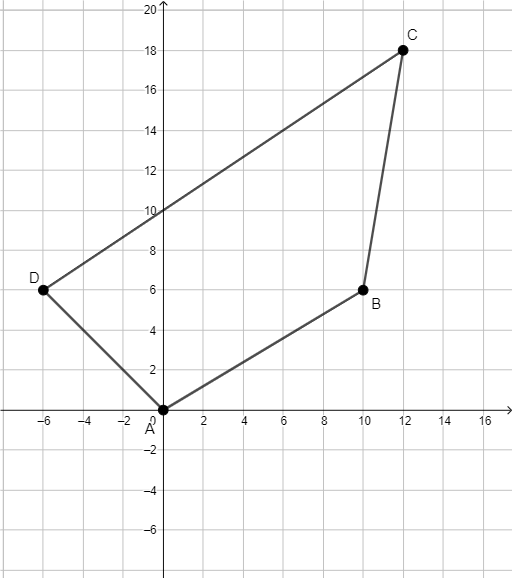
This example demonstrates how weighted averages can be represented geometrically inside a triangle, turning the algebraic idea of weighting into an intuitive positional picture. It connects the geometric construction to key concepts from probability and statistics: weighted averages, expected value (as a weighted combination), and variance (as a measure influenced by the weights). Construction-wise, the provided GeoGebra setup uses the Polygon command to build the main triangular region via points A, B, C, D, and introduces additional points q1 as well as coefficient/weight-related points a, b, c, d to encode the weights and the resulting weighted point(s). The activity is suitable for secondary to early undergraduate learners, especially for lessons on probability & statistics concepts augmented with dynamic geometry visualization.
GeoGebra Commands & Parameters
Polygon(A, B, C, D) → q1, a, b, c, d
AI Drawing Prompt Reference
Create a geometric visualization inside a triangle to represent weighted averages. Show several key points within the triangular region, where three vertices represent different values or probabilities, and additional points indicate weight coefficients. Demonstrate how repositioning these weight points affects the location of a point representing the weighted average or expected value inside the triangle. This visualization transforms the abstract concept of weighted averages and expectation into observable geometric relationships, showing how weight distribution influences the final result.
The prompt above was compiled from the original drawing commands and is for reference only.