
Volumes by Cross Section
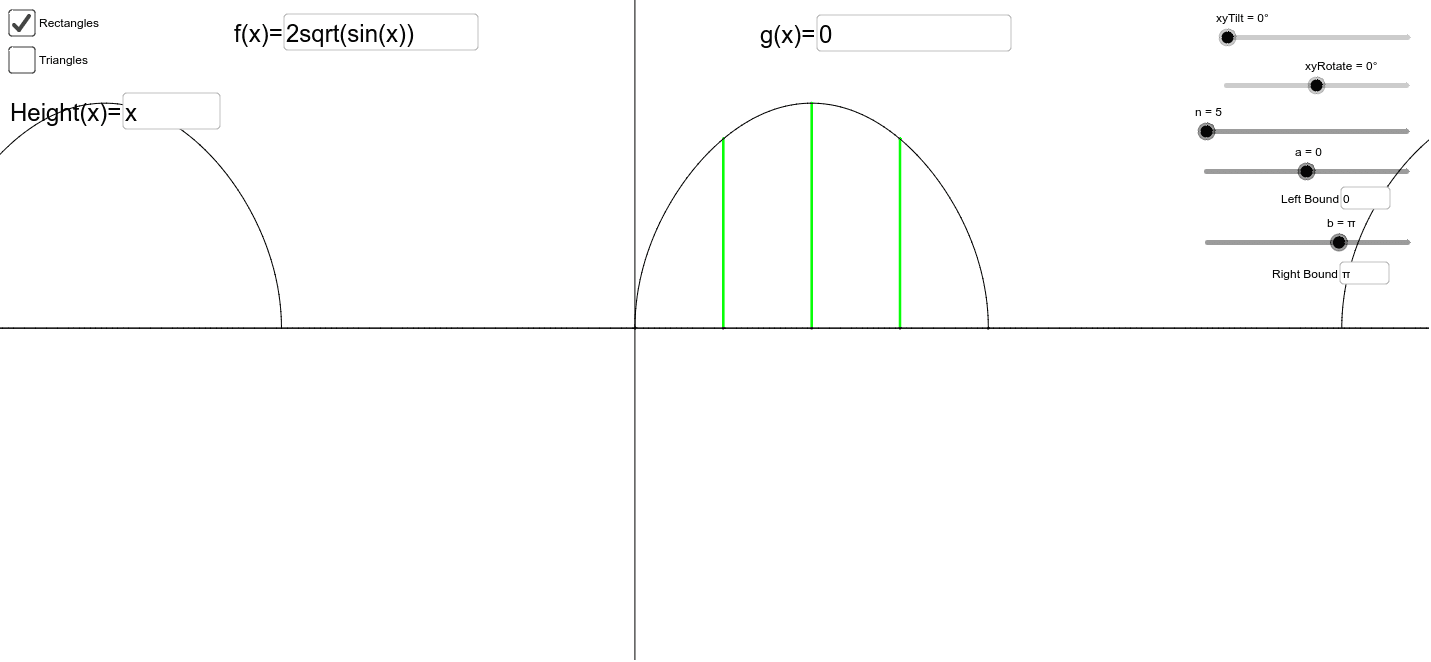
Loading the math board and drawing, please wait…
This example demonstrates the calculation of volumes using the method of cross sections, involving core mathematical concepts such as volume, ratios, constructions, tangent function, stochastic process or random process, and reflection. Key construction points include the use of GeoGebra commands like Sequence, Stretch, Line, Textfield, Polygon, Segment, Point, and OrthogonalLine, with objects like b, a, n, g, value_g, f, value_f, xyRotate, xyTilt, A, axis_x, B, axis_y, inputBox1, inputBox2, inputBox3, inputBox4, f_, g_, height, inputBox3, base_{length}, base_f, base_g, top_f, top_g, side_f, side_g, base, top_{rectangle}, face_b, c, d, e, h, face_a, i, j, k, l. Suitable for high school and above students to learn and understand volume calculation methods.
GeoGebra Commands & Parameters
Sequence((k, g(k)), k, a, b, (b - a) / (n - 1)) → value_gSequence((k, f(k)), k, a, b, (b - a) / (n - 1)) → value_fStretch((cos((-xyRotate)), sin((-xyRotate))), y = 0, cos(xyTilt)) → ALine((0, 0), A) → axis_xStretch((cos((-xyRotate) + π / 2), sin((-xyRotate) + π / 2)), y = 0, cos(xyTilt)) → BLine((0, 0), B) → axis_yTextfield(f) → inputBox1Textfield(g) → inputBox2Textfield(a) → inputbox3Textfield(b) → inputBox4Stretch(Rotate[f, (-xyRotate)], y = 0, cos(xyTilt)) → f_'Stretch(Rotate[g, (-xyRotate)], y = 0, cos(xyTilt)) → g_'Textfield(height) → inputBox3Sequence(Segment[Element[value_f, k], Element[value_g, k]], k, 1, n) → base_{length}Stretch(Rotate[value_f, (-xyRotate)], y = 0, cos(xyTilt)) → base_fStretch(Rotate[value_g, (-xyRotate)], y = 0, cos(xyTilt)) → base_gSequence(Element[base_f, k] + (0, (sin(xyTilt) * height(Element[base_{length}, k]))), k, 1, n) → top_fSequence(Element[base_g, k] + (0, (sin(xyTilt) * height(Element[base_{length}, k]))), k, 1, n) → top_gSequence(Segment[Element[base_f, k], Element[top_f, k]], k, 1, n) → side_fSequence(Segment[Element[base_g, k], Element[top_g, k]], k, 1, n) → side_gSequence(Segment[Element[base_g, k], Element[base_f, k]], k, 1, n) → baseSequence(Segment[Element[top_g, k], Element[top_f, k]], k, 1, n) → top_{rectangle}Polygon(Element[top_f, n], Element[top_g, n], Element[base_g, n], Element[base_f, n]) → face_b, c, d, e, hPolygon(Element[top_f, 1], Element[top_g, 1], Element[base_g, 1], Element[base_f, 1]) → face_a, i, j, k, lSegment(C, D) → mPoint(m) → EOrthogonalLine(E, m) → pPoint(p) → FSegment(C, F) → qSegment(D, F) → rSequence(Point[Element[base_g, k], Vector[(triangleRatio * Vector[Element[base_g, k], Element[base_f, k]])]], k, 1, n) → mids_{triangle}Sequence(Element[mids_{triangle}, k] + (0, ((Element[base_{length}, k] * triangleHeight) * sin(xyTilt))), k, 1, n) → top_{triangle}Sequence(Segment[Element[base_f, k], Element[top_{triangle}, k]], k, 1, n) → side_{ft}Sequence(Segment[Element[base_g, k], Element[top_{triangle}, k]], k, 1, n) → side_{gt}Polygon(Element[top_{triangle}, 1], Element[base_g, 1], Element[base_f, 1]) → face_{at}, s, t, a_1Polygon(Element[top_{triangle}, n], Element[base_g, n], Element[base_f, n]) → face_{bt}, b_1, c_1, d_1