
Volume of Solid of Revolution (about the x-axis) by Jesus Perez
Loading the math board and drawing, please wait…
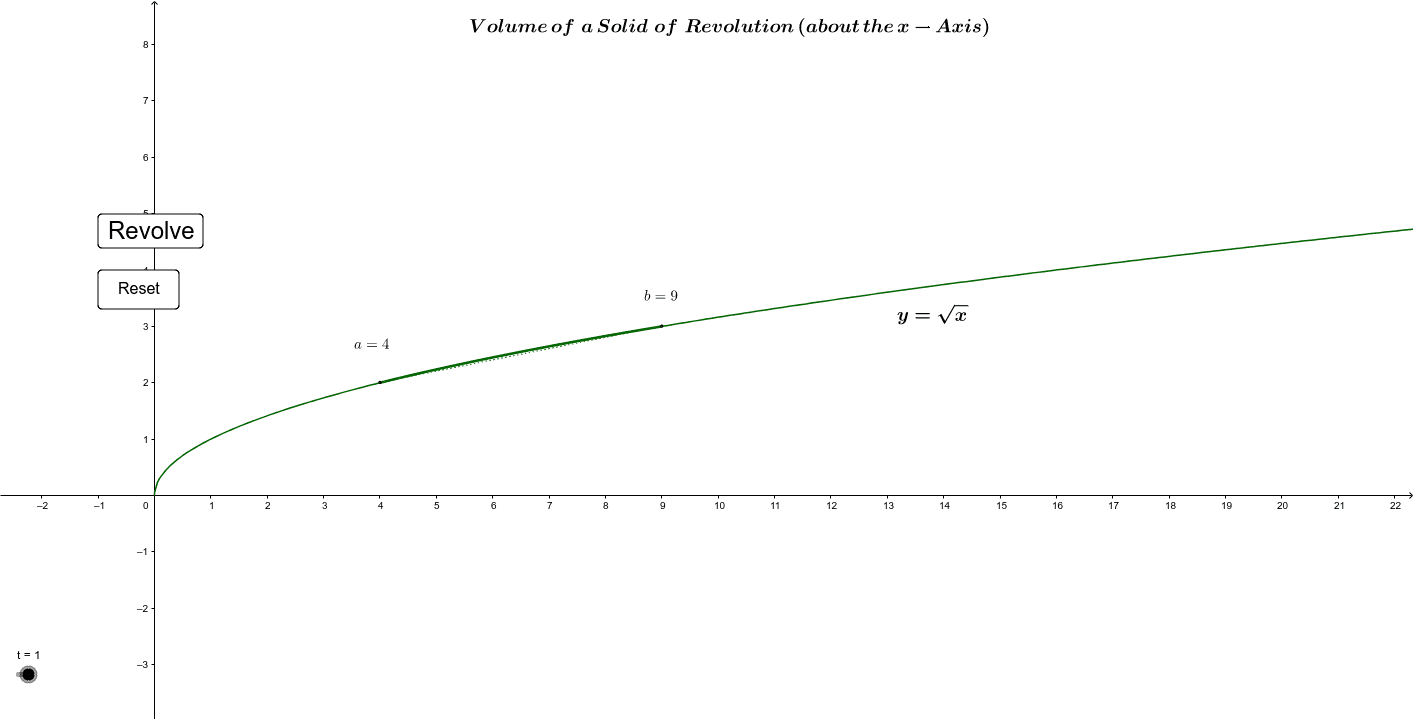
This example demonstrates the process of generating a solid of revolution from a plane shape rotating around the x-axis, illustrating the volume calculation. Key math concepts include solid geometry, integral calculus, function graphing, and coordinate geometry. It uses GeoGebra commands like Sequence, Ellipse, Point, Segment, Locus, Intersect, CircleArc, Angle, If, and Vector in its construction. Suitable for high school and above students learning calculus and solid geometry to understand volume calculations of revolution solids.
GeoGebra Commands & Parameters
Sequence((i, 0), i, 0, 20, n) → list4Sequence((k, k^(0.5)), k, 4, n - 1) → list5Sequence((k, (-k^(0.5))), k, 4, n - 1) → list6Ellipse(K, H, N) → cPoint(h) → BPoint(xAxis) → DEllipse(E, B, D) → dPoint(p) → GPoint(xAxis) → IEllipse(F, G, I) → kEllipse(Q, S, J) → rEllipse(P, W, L) → sSegment(S, P) → aSegment(Q, W) → bEllipse(M, O, R) → t_1Segment(T, U) → mSegment(U, V) → a_1Segment(T, Z) → b_1Segment(B_3, A_3) → c_1Segment(A_3, C_3) → d_1Segment(D_3, E_1) → e_1Locus(F_1, t) → loc1Point(r) → H_1Intersect(r, b, 1) → I_1CircleArc(G_1, H_1, I_1) → f_1Intersect(h_1, g_1) → C_1Point(g_1) → A_1Point(g_1) → B_1Point(xAxis) → J_1Ellipse(A_1, B_1, J_1) → k_1Point(k_1) → D_1Angle(D_1, C_1, A_1) → αIntersect(i_1, j_1) → C_2Point(j_1) → A_2Point(j_1) → B_2Point(xAxis) → J_2Ellipse(A_2, B_2, J_2) → p_1Point(p_1) → D_2Angle(D_2, C_2, A_2) → βSegment(D_1, D_2) → l_1If(o ≥ 5, false, true) → eSegment(K_1, L_1) → m_1Point(m_1) → M_1Vector(M_1, N_1) → uVector(O_1, P_1) → vVector(P_1, O_1) → w
AI Drawing Prompt Reference
Draw a solid of revolution generated by rotating a plane region around the x-axis, illustrating volume calculation. Place points along the x-axis from 0 to 20, and create a series of elliptical cross-sections perpendicular to the axis, with their vertical radii following the function y=√x (both positive and negative branches). Mark several key points on the surface and connect adjacent ones with line segments to outline the solid. Add auxiliary ellipses and circular arcs to represent different slices, and include angle markers to show rotation angles. Draw vectors to indicate the direction of rotation. The final image shows a three-dimensional rotational body with coordinate axes, curves, cross-sections, and construction lines, helping to visualize the integral for volume.
The prompt above was compiled from the original drawing commands and is for reference only.