
Volume of Revolution by Matt Killam
Loading the math board and drawing, please wait…
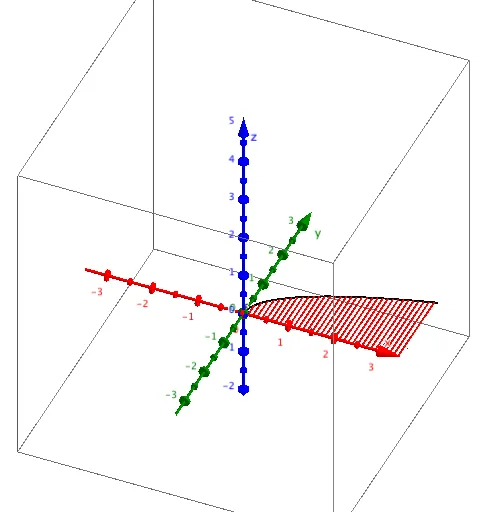
This example demonstrates how to generate a three-dimensional solid of revolution by rotating a two-dimensional curve and calculating its volume. Key math concepts include the volume formula for solids of revolution, integration, and three-dimensional vector operations. Construction highlights involve using CurveCartesian to plot curves, Surface to create the rotating surface, and Sequence for creating sequences, with objects like α, d, min, max, f, list2, aa, b, list1, button1, button2. Suitable for high school and above students studying calculus and solid geometry to understand the calculation methods for volumes of revolution.
GeoGebra Commands & Parameters
CurveCartesian(a, (f(a) * cos(α)), (f(a) * sin(α)), a, -5, 5) → aaSurface(a, (f(a) * cos(β)), (f(a) * sin(β)), a, min, max, β, 0, α) → bSequence(Segment[(a, 0, 0), (a, (f(a) * cos(α)), (f(a) * sin(α)))], a, min, max, d) → list1