
Volume of a Watermelon Using the Disk Method
Loading the math board and drawing, please wait…
In collections
Grade 12 Calculus & Vectors MCV4U1
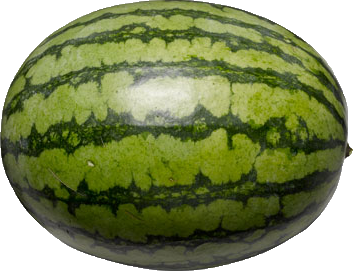
This GeoGebra example demonstrates how to compute the volume of a watermelon-shaped solid of revolution using the disk method. The core mathematical concept is the application of definite integrals to geometry: by slicing the solid into thin circular disks perpendicular to the axis of rotation, the total volume is obtained by integrating the cross-sectional area over the interval. The construction uses GeoGebra commands such as Rotate to generate the watermelon profile, CircleArc to draw the circular cross-sections, and IntegralBetween to compute the integral region. Key objects include the image pic1, functions f and g, rotation axis a, boundary points A, B, C, and the left/right limits leftlimit and rightlimit. This is suitable for advanced high school or introductory college calculus courses, helping students connect the abstract integral formula with a tangible visual representation.
GeoGebra Commands & Parameters
Rotate(f, 180*°, A) → f_1Rotate(B, 180*°, A) → B'CircleArc(C, B, B') → kRotate(k, 180*°, A) → k'IntegralBetween(f, 0, leftlimit + 0.1, rightlimit - 0.1) → cIntegralBetween(0, -f(x), leftlimit + 0.1, rightlimit - 0.1) → e
AI Drawing Prompt Reference
Draw a watermelon-shaped solid of revolution using the disk method. Key objects include the rotation axis, circular cross-sections, and the integral region. The construction order is to first draw the rotation axis, then generate circular cross-sections, and finally compute the volume via integration.
The prompt above was compiled from the original drawing commands and is for reference only.