
Volume of a Cylinder Inside a Cone
Loading the math board and drawing, please wait…
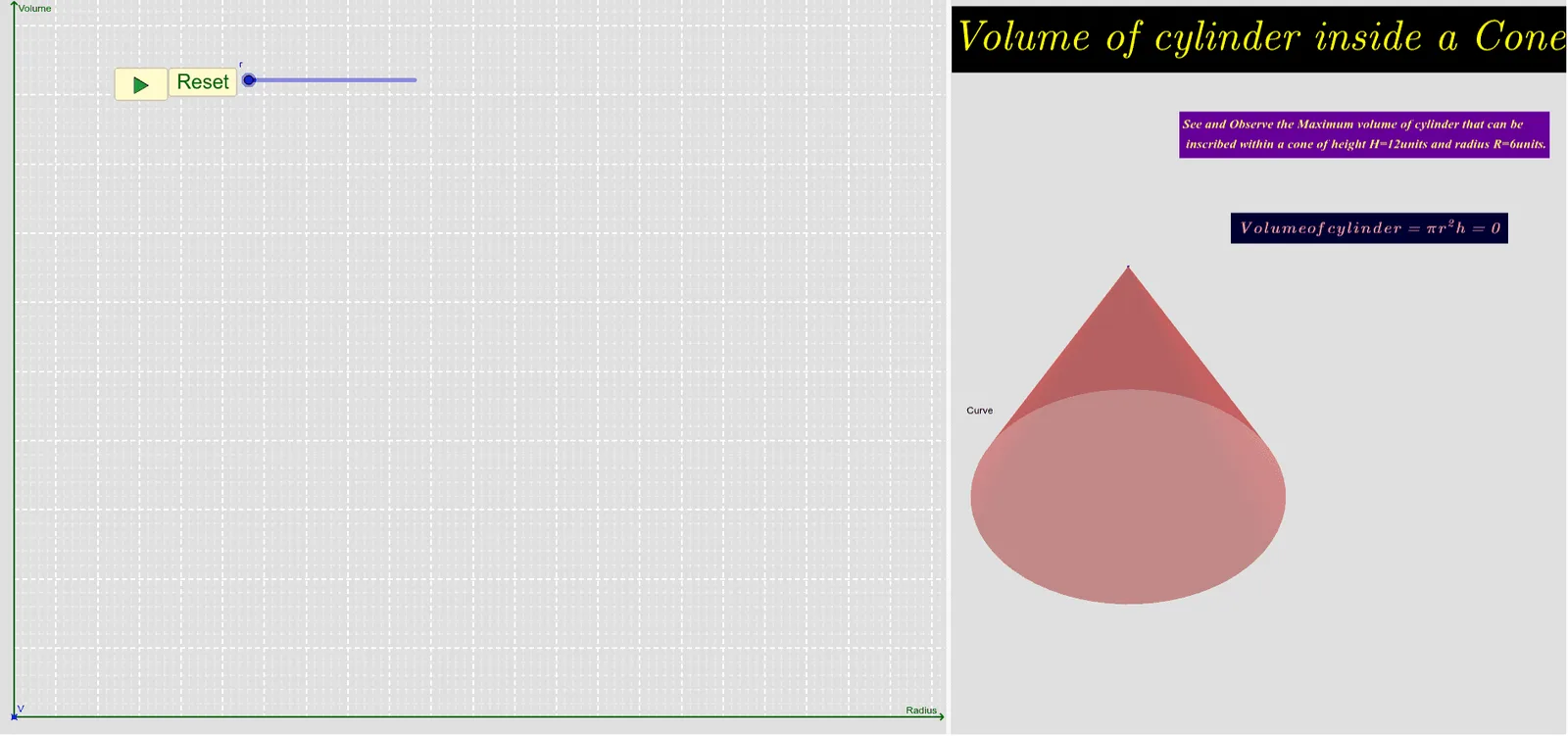
This GeoGebra example dynamically illustrates how the volume of a cylinder inscribed in a cone changes with its height and radius. The core mathematical concepts involve solid geometry, the volume formulas for cylinders and cones, and the optimization of volume through parameter variation. The construction uses the Cone and Cylinder commands to create the solids, Segment and Distance commands to measure dimensions, Vector for direction, and buttons (button1, button2) along with a slider (n) to control parameters, updating the volume value (V) and text displays in real time. It is suitable for high school or early college students studying volume relationships in solid geometry, and can serve as a visual introduction to optimization and derivatives in calculus.
GeoGebra Commands & Parameters
Cone(O, A, R) → a, c, bCylinder(O, B, r) → d, e, f, gSegment(G, F) → iDistance(G, F) → distanceGFSegment(G, C) → jVector(C, D) → u
AI Drawing Prompt Reference
Draw a cone with its apex at the top and a horizontal circular base. Inside the cone, place a cylinder whose lower base lies on the cone's base plane and whose upper base touches the cone's lateral surface. The cylinder's height and radius can be adjusted via a slider to show how its volume changes. Connect a point on the cylinder's upper rim to the center of the cone's base with a line segment, and label its length. Add an arrow vector indicating the cylinder's vertical axis direction. Include buttons to control parameter changes and display the cylinder's volume value in real time. Present the scene in 3D perspective, emphasizing the inscribed relationship of the cylinder within the cone.
The prompt above was compiled from the original drawing commands and is for reference only.