
Perpendicular Distance from a Point to a Line
Loading the math board and drawing, please wait…
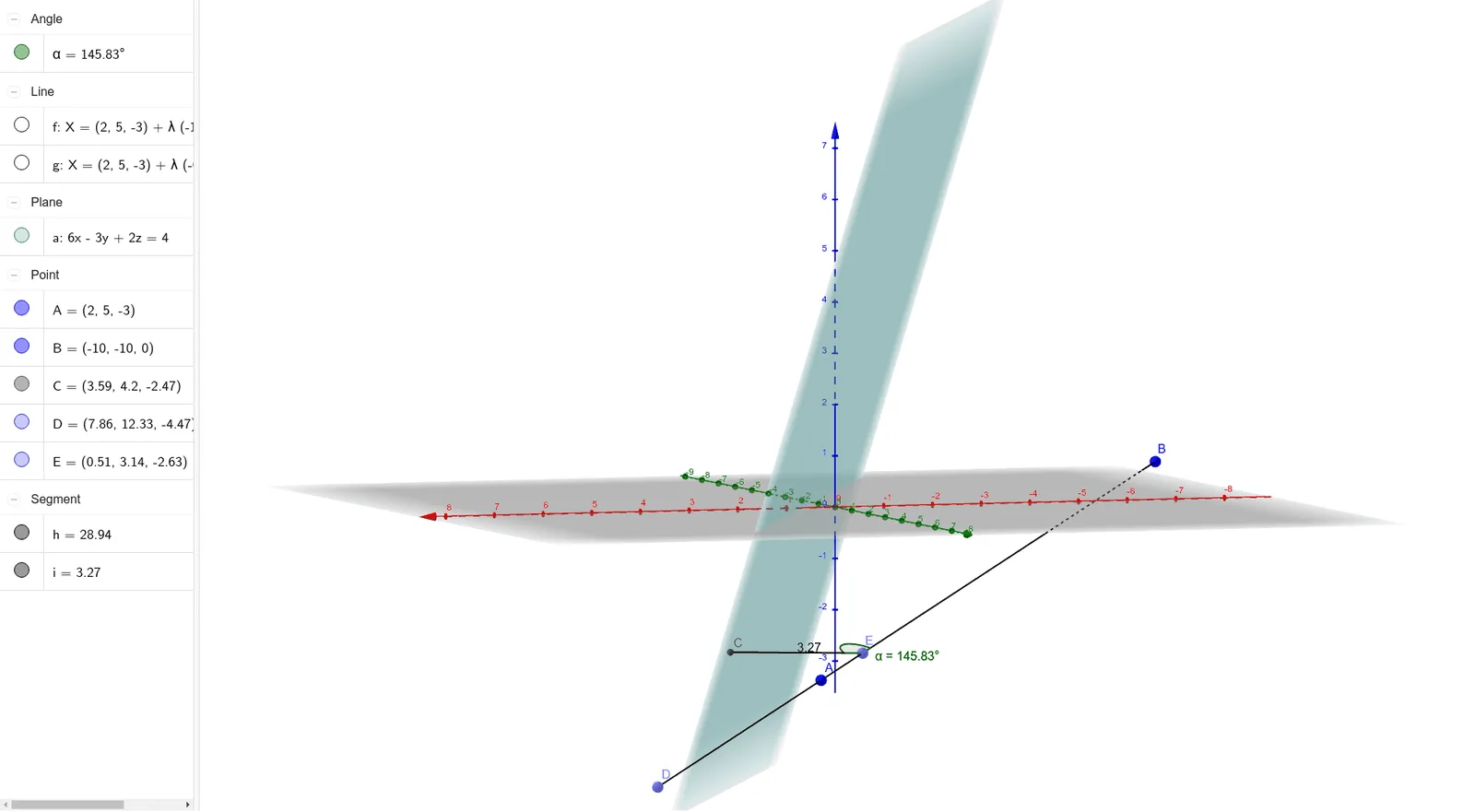
This example demonstrates how to calculate the perpendicular distance from a point to a line. Key mathematical concepts include vectors and coordinate geometry. Using GeoGebra commands such as OrthogonalLine, Intersect, Line, and Point, one can construct perpendicular lines and find the foot of the perpendicular. Suitable for high school mathematics education and learning.
GeoGebra Commands & Parameters
OrthogonalLine(A, a) → gIntersect(g, a) → CLine(A, B) → fPoint(f) → DSegment(D, B) → hPoint(h) → ESegment(C, E) → iAngle(C, E, B) → α
AI Drawing Prompt Reference
Draw a straight line and place two points above it, connecting them with a segment. From one of these points, construct a perpendicular line to the given line, and mark the intersection point where the perpendicular meets the line. Then choose an arbitrary point on the segment connecting the two original points, and draw a segment from the foot of the perpendicular to this chosen point. Finally, indicate the angle formed at the foot of the perpendicular between the segment to the chosen point and the segment to the other original point. The figure illustrates the perpendicular distance and the related angle.
The prompt above was compiled from the original drawing commands and is for reference only.