
Visualizing Multiplication Commutativity
Loading the math board and drawing, please wait…
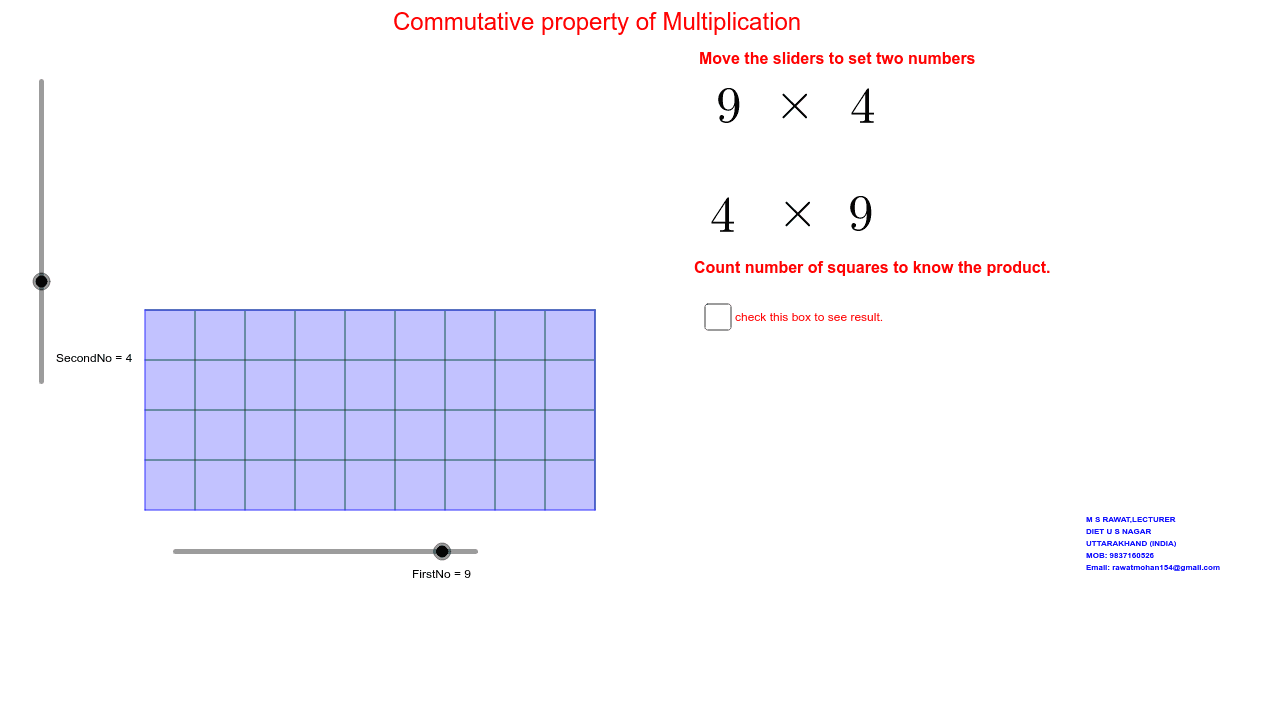
This example dynamically demonstrates the equality of multiplication results (e.g., a×b = b×a) through geometric shapes, visually illustrating the commutative property of multiplication. Core math concepts include the commutative property, rhombus, triangles, incircle, sphere, and geometric constructions. It uses commands/objects like Point, Segment, OrthogonalLine, Circle, Intersect, Line, Polygon, Sequence, and Text in GeoGebra. Suitable for middle school students and above to learn the commutative property and geometric constructions, or for mathematical teaching demonstrations.
GeoGebra Commands & Parameters
Point(Circle[A, FirstNo]) → BSegment(A, B) → aOrthogonalLine(A, a) → bOrthogonalLine(B, a) → cCircle(A, SecondNo) → dIntersect(d, b, 2) → CLine(C, a) → eIntersect(c, e) → DPolygon(A, B, D, C) → poly1, a_1, b_1, d_1, c_1Sequence(Segment[A + (i * (1, 0)), C + (i * (1, 0))], i, 1, FirstNo) → list1Sequence(Segment[A + (i * (0, 1)), B + (i * (0, 1))], i, 1, SecondNo) → list2Text(SecondNo) → text1
AI Drawing Prompt Reference
Draw a dynamic geometric shape to demonstrate the commutative property of multiplication, visually showing a×b = b×a. Start with a circle and two perpendicular line segments, then construct a rhombus and two triangles using intersections with the circle and line segments. Add two sequences of line segments and label the coefficients for multiplication, illustrating the geometric meaning of the commutative property.
The prompt above was compiled from the original drawing commands and is for reference only.