
Visual Test of Integer Addition with Vectors
Loading the math board and drawing, please wait…
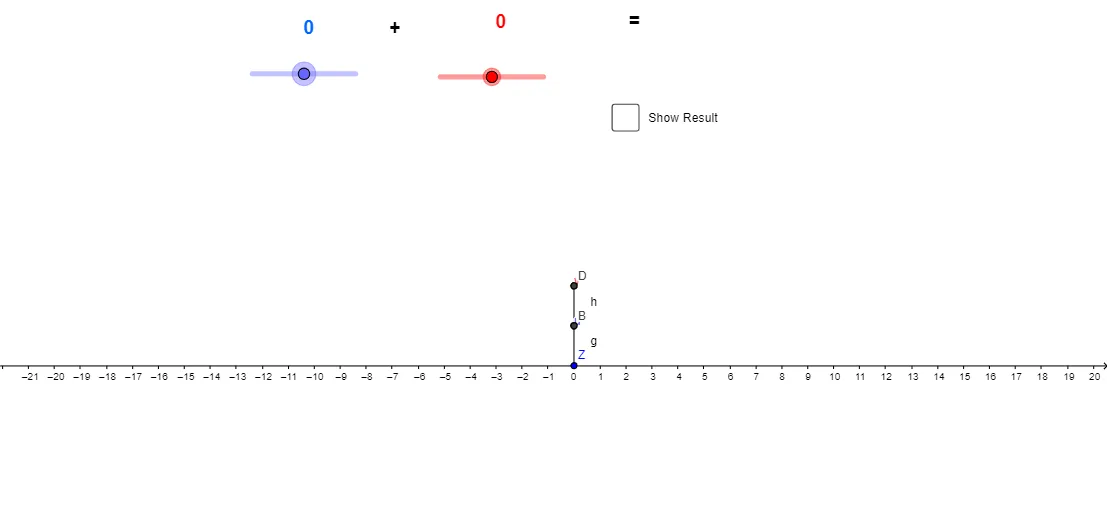
This example demonstrates integer addition by representing the operation with geometric objects and vector composition, then visually confirming that the resulting count matches the integer sum. It centers on the mathematical ideas of integer arithmetic, vector addition as a translation/combination process, and the consistency between algebraic sums and geometric constructions. In the GeoGebra construction, it uses the commands “Vector” and “Segment” to build vectors (e.g., a and b) and their related segments/points (e.g., A and B). Additional vectors such as u and v serve as intermediate components or directional steps, while objects like C, D, R, and Z link the geometric outcome to integer-marked references or regions. The construction also employs multiple text labels (text1–text5) and helper objects (such as g, h, i, r, c) to display the operands, the computed result, and the verification logic. Suitable for middle-school math learning and for teaching vector intuition through integer addition, as well as for interactive classroom demonstrations and geometry-construction practice.
GeoGebra Commands & Parameters
Vector(A, B) → uVector(C, D) → vSegment(Z, A) → gSegment(B, C) → hSegment(D, R) → i
AI Drawing Prompt Reference
Create a plane diagram illustrating vector composition using connected geometric pieces. Place two pairs of points to define the first vector and its directed start-to-end segment, and place another two points to define a second vector similarly. Then draw line segments that connect a reference point to the start of the first vector, connect the end of the first vector to the start of the second vector, and connect the end of the second vector to another reference point. Keep all vectors and segments visible to show the overall concatenation path and relationships among their endpoints.
The prompt above was compiled from the original drawing commands and is for reference only.