
Vertex Form of a Quadratic Practice
Loading the math board and drawing, please wait…
In collections
Geom. & Alg.: Quadratics
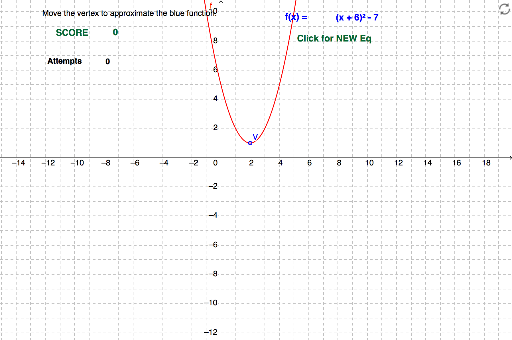
This example demonstrates how to approximate a quadratic function in vertex form by dragging the vertex point. Key math concepts include the vertex form of a quadratic function (y=a(x-h)^2+k) and its geometric interpretation. GeoGebra commands used are Random, Text, and If, with objects like vertex V, coefficient k, horizontal shift h, function f, and various text elements. It is suitable for high school students learning about quadratic functions and their transformations, providing a visual and interactive way to explore parameter effects.
GeoGebra Commands & Parameters
Random(-10, 10) → hhRandom(-7, 7) → kkText(ff) → text1If(hh ≟ h, 1, 0) → shIf(kk ≟ k, 1, 0) → skIf((sh * sk) ≟ 1, 1, 0) → pointText(score) → text6Text(try) → text7
AI Drawing Prompt Reference
Draw a quadratic function in vertex form y=a(x-h)^2+k, where the vertex V is draggable. The value of a is randomly set between -10 and 10, and h and k are randomly set between -7 and 7. Show a point if h and k match the function's h and k values. Finally, display a text for score and another for try count.
The prompt above was compiled from the original drawing commands and is for reference only.