
Vectors Example 2: Vectors and Distance
Loading the math board and drawing, please wait…
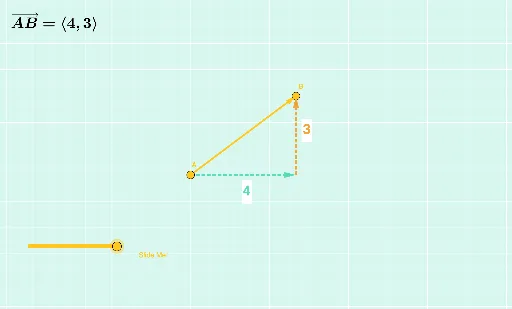
This example demonstrates how to use vectors to represent and calculate distances in geometric figures. Key mathematical concepts include vector addition, distance formula, and geometric construction. Using GeoGebra commands such as Intersect, Dilate, and Vector, the transformation of vectors and calculation of distances are visually illustrated. Suitable for high school mathematics education and learning.
GeoGebra Commands & Parameters
Intersect(f, g) → CDilate(A, If[0 < a ≤ 1, 1 - a, 0], C) → A'Vector(A, A') → uDilate(C, If[1 < a ≤ 2, 2 - a, 0], B) → C'Vector(C, C') → vDistance(A, C) → distanceACDistance(C, B) → distanceCBDilate(A, If[2 < a ≤ 3, 3 - a, 0], B) → A'_1Vector(A, A'_1) → wDistance(A, B) → distanceABTextfield(n) → InputBox1Textfield(i) → InputBox2
AI Drawing Prompt Reference
Draw a figure with two vectors u and v, where vector u goes from point A to A', and vector v goes from point C to C'. Points A, B, and C are scaled to generate A' and C'. Calculate the distances distanceAC between point A and C, distanceCB between point C and B, and distanceAB between point A and B.
The prompt above was compiled from the original drawing commands and is for reference only.