
Vector in Column Form
Loading the math board and drawing, please wait…
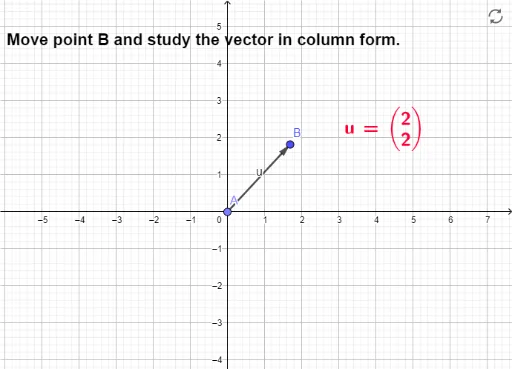
This example demonstrates how to represent a vector in column form within GeoGebra, using points A and B to define vector u and displaying its column coordinates via LaTeX text. The core mathematical concept is the coordinate representation of vectors and column notation, involving the start point, end point, and components. Construction highlights: use the Point command to create points A and B, the Vector command to generate vector u, and LaTeX text objects text1 and text2 to show the column form. Suitable for high school or early college students learning vector basics, coordinate geometry, and interactive GeoGebra operations, as well as for teachers demonstrating the correspondence between vector algebra and geometry.
GeoGebra Commands & Parameters
Point(yAxis) → AVector(A, B) → uLaTeX(u, true, true) → text1