
Vector & Derivative Demo
Loading the math board and drawing, please wait…
This example demonstrates vector representation in 3D space and its integration with derivatives, equations, cylinders, logarithms, and line segments. Key math concepts include vector operations, derivative calculations, spatial geometry equations, cylindrical surface parametrization, logarithmic function graphs, and dynamic line segment changes. Construction highlights involve GeoGebra commands like Vector, Derivative, Equations, Cylinder, Logarithm, and Line Segment. Suitable for high school and above learners exploring vector calculus and spatial geometry applications.
GeoGebra Commands & Parameters
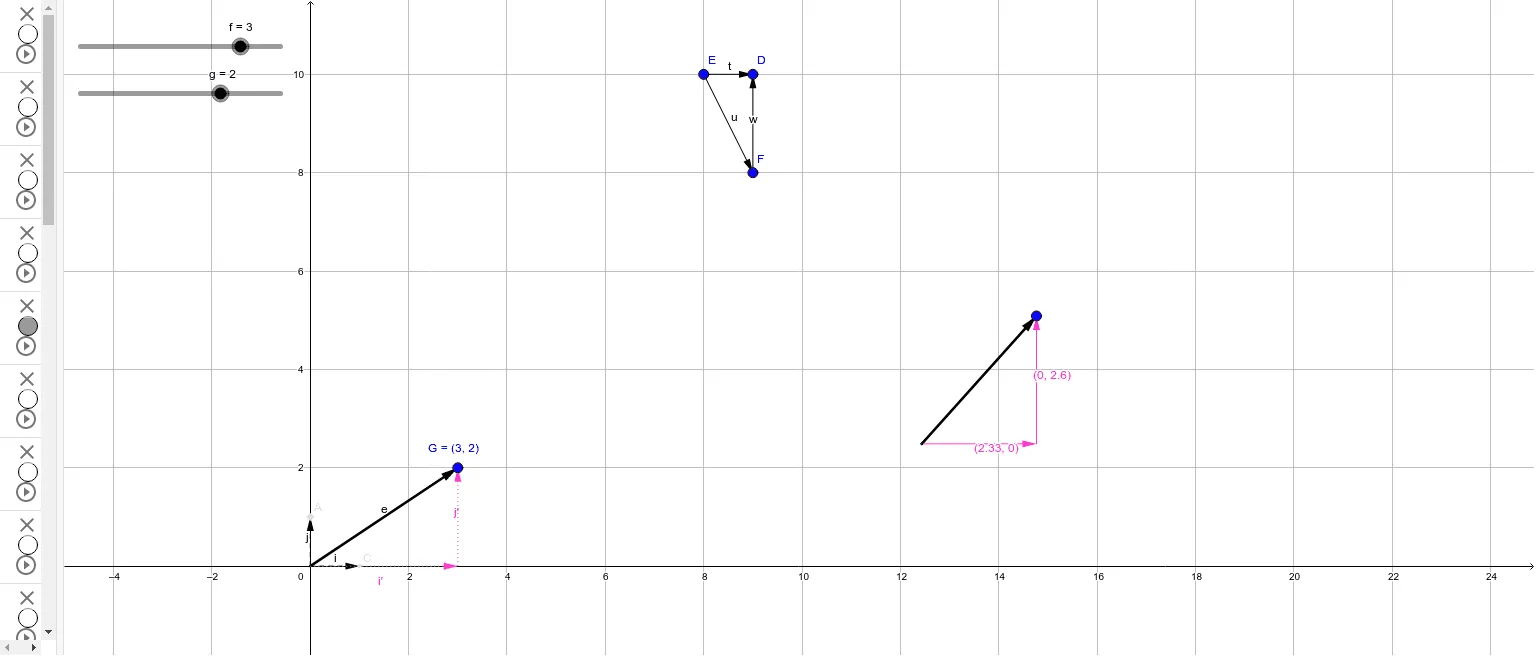
Vector(B, C) → iVector(F, D) → wVector(B, A) → jVector(E, F) → uVector(E, D) → tVector(B, G) → eVector(H, G) → j'Vector(I, J) → vVector(I, K) → kVector(K, J) → l
AI Drawing Prompt Reference
Draw a 3D vector diagram including vectors i, w, j, u, t, e, j', v, k, and l. Start by drawing vector i, then sequentially draw vectors w, j, u, t, e, j', v, k, and l.
The prompt above was compiled from the original drawing commands and is for reference only.