
Vector and Geometry Interaction Demo
Loading the math board and drawing, please wait…
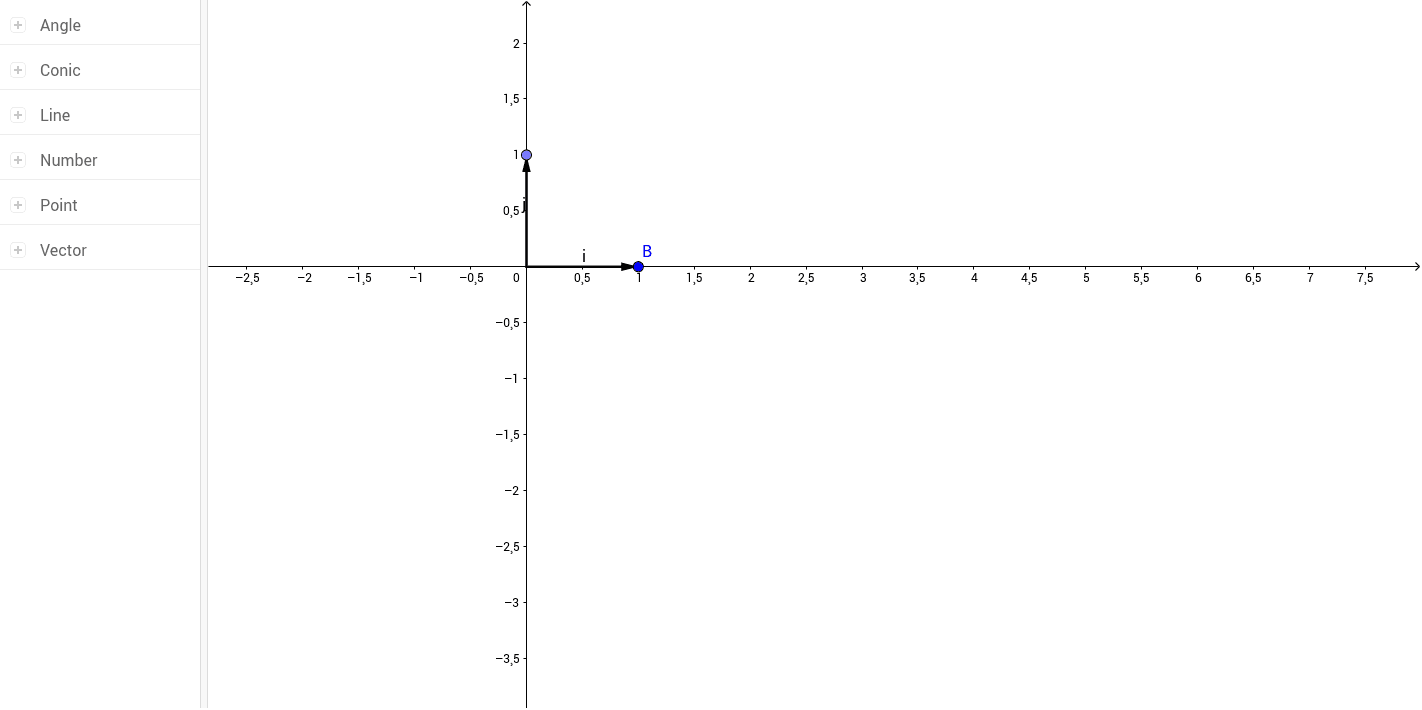
This example demonstrates the interaction between vectors, circles, spheres, and planes through an interactive approach. It involves core mathematical concepts such as vector operations, linear regression, parametric equations, and geometric constructions. Key GeoGebra commands used include Intersect, Point, Vector, Circle, Angle, and Line to construct the figures. Suitable for high school students and math enthusiasts to understand spatial geometry and vector analysis.
GeoGebra Commands & Parameters
Intersect(xAxis, yAxis) → APoint(xAxis) → BVector(A, B) → iPoint(yAxis) → CVector(A, C) → jCircle(A, 1) → cPoint(c) → DVector(A, D) → uAngle(B, A, D) → αLine(C, i) → fLine(B, j) → gIntersect(f, g) → EVector(A, E) → vLine(C, i) → h