
Using Sequence Command to Draw Polygons
Loading the math board and drawing, please wait…
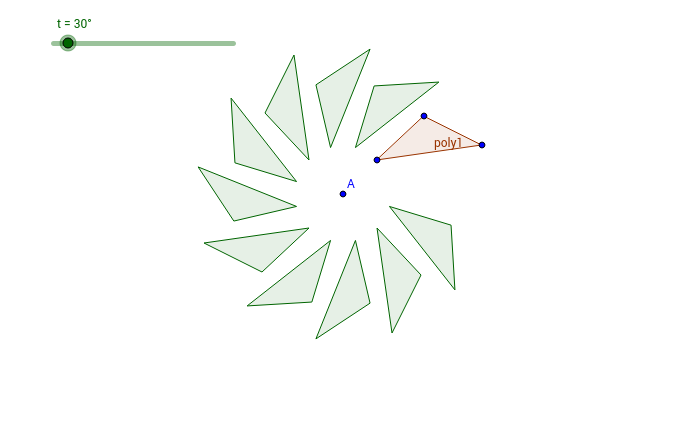
This example demonstrates how to use the sequence command in GeoGebra to draw polygons. The core mathematical concepts involved include sequences, polygons, and geometric construction. Key points in the construction involve using the Polygon and Sequence commands, along with objects such as A, B, C, D, poly1, d, b, c, t, r, n, and list1. It is suitable for middle school students and above to explore the construction and properties of polygons.
GeoGebra Commands & Parameters
Polygon(B, C, D) → poly1, d, b, cSequence(Polygon[Rotate[B, (k * t), A], Rotate[C, (k * t), A], Rotate[D, (k * t), A]], k, 1, 10) → list1
AI Drawing Prompt Reference
Draw a sequence of rotating polygons where each subsequent polygon is derived from the previous one by rotating around a fixed point, starting with a triangle, showing the relationship between rotation angle and step count, creating a dynamic geometric pattern.
The prompt above was compiled from the original drawing commands and is for reference only.