
Using Scripts to Draw Linkages
Loading the math board and drawing, please wait…
In collections
Linkages
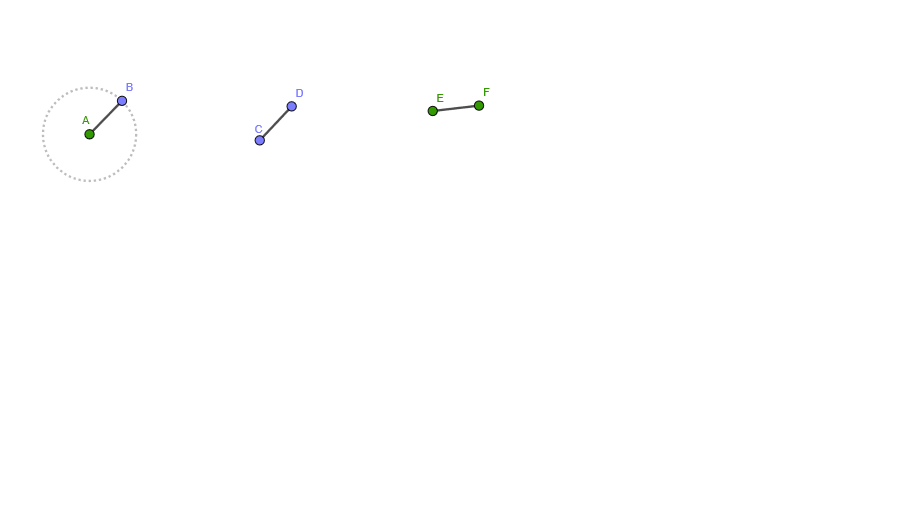
This example demonstrates the dynamic changes of linkages using GeoGebra script commands. Key mathematical concepts include geometric transformations and trigonometric functions. Using commands like Circle, Point, and Segment, users can construct the various parts of the linkage. Suitable for high school students learning geometric transformations and dynamic geometry.
GeoGebra Commands & Parameters
Circle(A, 1) → cPoint(c) → BSegment(A, B) → fSegment(C, D) → hSegment(E, F) → i
AI Drawing Prompt Reference
Draw a dynamic linkage to demonstrate geometric transformations and trigonometric functions. Start by drawing a circle, then pick a point on the circle and connect it to the center to form a line segment. Next, draw two more line segments connecting different points to create a simple linkage structure, showcasing geometric transformations and dynamic changes.
The prompt above was compiled from the original drawing commands and is for reference only.