
Unit Circle Manipulations Demo
Loading the math board and drawing, please wait…
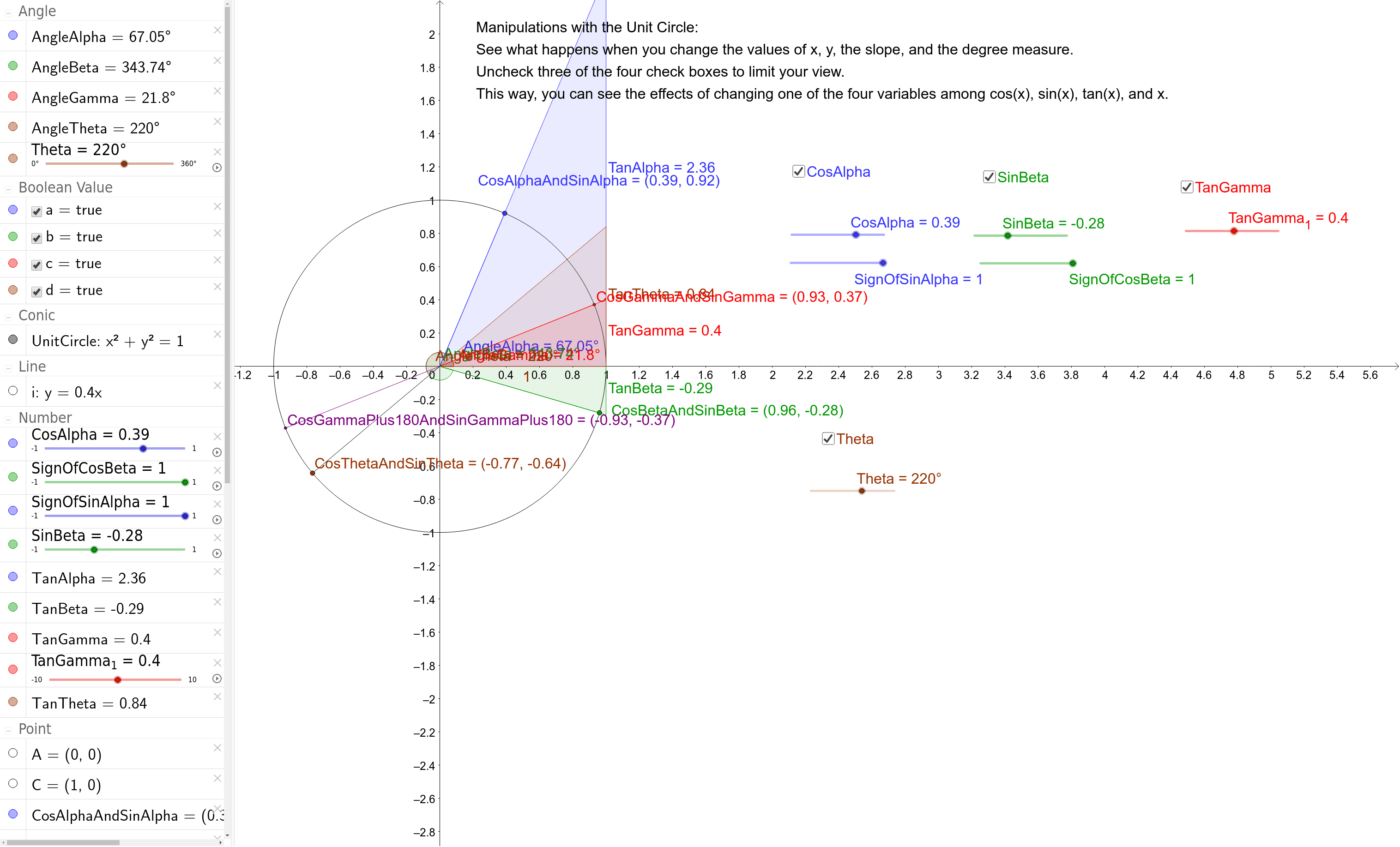
This example demonstrates the relationship between points on the unit circle, angles, and trigonometric values through interactive manipulation. It involves core math concepts like trigonometric functions, unit circle, geometric transformations, and matrix operations. Construction highlights include commands like Intersect, Circle, Point, Segment, Angle, Slope, Rotate, and objects such as A, UnitCircle, CosAlpha, etc. Ideal for high school mathematics education to visualize and understand the connection between trigonometry and geometry, enhancing learning effectiveness.
GeoGebra Commands & Parameters
Intersect(xAxis, yAxis) → ACircle(A, 1) → UnitCirclePoint(UnitCircle) → CSegment(A, C) → fSegment(A, CosAlphaAndSinAlpha) → AlphaSegmentAngle(C, A, CosAlphaAndSinAlpha) → AngleAlphaSegment(A, CosBetaAndSinBeta) → BetaSegmentAngle(C, A, CosBetaAndSinBeta) → AngleBetaSlope(AlphaSegment) → TanAlphaSlope(BetaSegment) → TanBetaIntersect(UnitCircle, i, 2) → CosGammaAndSinGammaIntersect(UnitCircle, i, 1) → CosGammaPlus180AndSinGammaPlus180Segment(CosGammaAndSinGamma, CosGammaPlus180AndSinGammaPlus180) → jAngle(C, A, CosGammaAndSinGamma) → AngleGammaSlope(i) → TanGammaSegment(A, CosGammaAndSinGamma) → GammaSegmentSegment(A, CosGammaPlus180AndSinGammaPlus180) → GammaSegmentTwoRotate(C, Theta, A) → CosThetaAndSinThetaAngle(C, A, CosThetaAndSinTheta) → AngleThetaSegment(A, CosThetaAndSinTheta) → ThetaSegmentSlope(ThetaSegment) → TanTheta