
Unit Circle Demo: Visualizing Trigonometric Functions with Similar Triangles
Loading the math board and drawing, please wait…
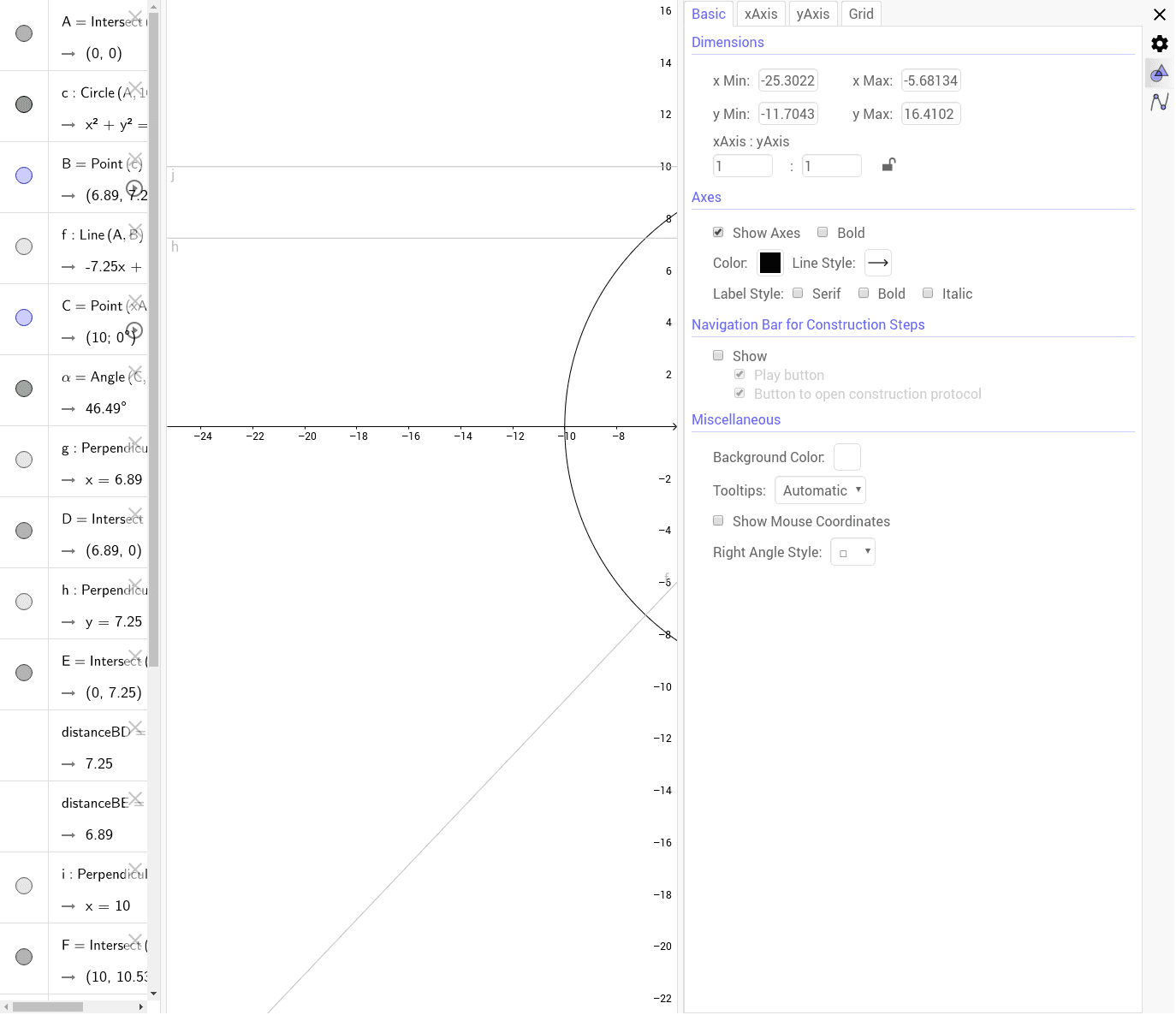
① This GeoGebra example dynamically demonstrates the unit circle and how sine (SIN), cosine (COS), tangent (TAN), and cotangent (COT) values are derived from points on the circle, using similar triangles to show the geometric ratios. ② Core mathematical concepts include the unit circle definition of trigonometric functions, similar triangles, angle measurement in radians/degrees, and right-triangle side ratios. ③ Construction details: The model uses GeoGebra commands such as Intersect, Circle, Point, Line, Angle, OrthogonalLine, Distance, and Segment to create circle c, points A through H, lines f, g, i, j, angle α, and segments measuring distances BD and BE. Orthogonal lines construct right triangles, and distance calculations yield the displayed trigonometric values. ④ This is suitable for high school or introductory college students learning trigonometry, ideal for classroom demonstrations or self-exploration to visualize how trigonometric functions vary with the angle on the unit circle.
GeoGebra Commands & Parameters
Intersect(xAxis, yAxis) → ACircle(A, 10) → cPoint(c) → BLine(A, B) → fPoint(xAxis) → CAngle(C, A, B) → αOrthogonalLine(B, xAxis) → gIntersect(g, xAxis) → DOrthogonalLine(B, yAxis) → hIntersect(h, yAxis) → EDistance(B, D) → distanceBDDistance(B, E) → distanceBEOrthogonalLine(C, h) → iIntersect(f, i) → FIntersect(c, yAxis, 2) → GOrthogonalLine(G, i) → jIntersect(f, j) → HSegment(G, H) → COTSegment(B, D) → SINSegment(E, B) → COSSegment(C, F) → TAN