
Unit Circle - Degree Input Box
Loading the math board and drawing, please wait…
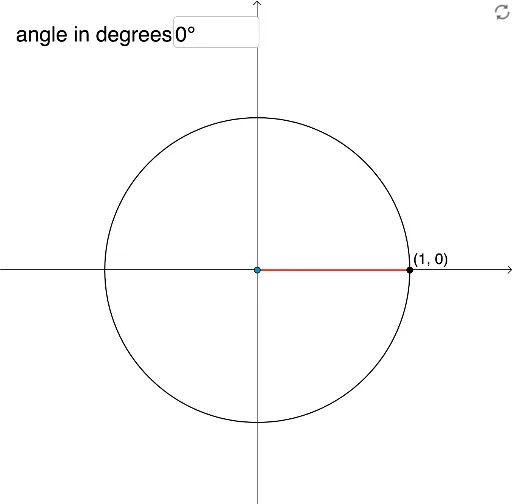
This example demonstrates the relationship between angles and points on the unit circle. Key mathematical concepts include the unit circle, angles, and parametric equations. Using commands like rotation, angle measurement, and text fields, users can intuitively understand the relationship between angles and the coordinates of points on the circle. Suitable for high school mathematics education and learning.
GeoGebra Commands & Parameters
Intersect(xAxis, yAxis) → ACircle(A, 1) → cRotate(B, α, A) → PSegment(A, P) → fAngle(B, A, P) → βSegment(A, B) → gTextfield(α) → InputBox1
AI Drawing Prompt Reference
Draw a unit circle and show the intersection point of the coordinate axes. Rotate a point on the circle based on an input angle value, connect the origin and the rotated point, and display the rotation angle and line segment. Then connect the origin and the point on the circle to form a right triangle. Finally, add a text box next to the diagram for inputting the angle value.
The prompt above was compiled from the original drawing commands and is for reference only.