
Try to Solve an Equation
Loading the math board and drawing, please wait…
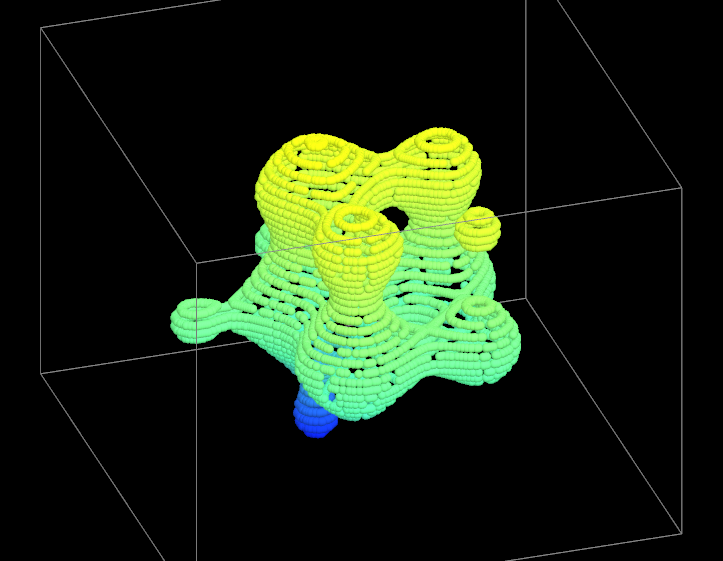
This example demonstrates how to use GeoGebra to attempt solving an equation, visually representing the solutions through geometric methods. Key math concepts include equation solving, function graphs, and geometric representation. Construction highlights involve using the Append command to add points, along with objects like Point, f, n, and multiple lists (liste1-liste39). Suitable for high school and above, helping students understand the geometric meaning of equation solving and the application of function graphs.
GeoGebra Commands & Parameters
Append((0, 0, 0), RemoveUndefined[Join[Sequence[RemoveUndefined[Sequence[If[round((p * f(i, j))) ≟ 0, (i, j, zz)], i, -2, 2, 4 / n]], j, -2, 2, 4 / n]]]) → listePoint(Ray[Im1, Im1 + (1, 0)]) → Im2