
Triangles and Perimeter
Loading the math board and drawing, please wait…
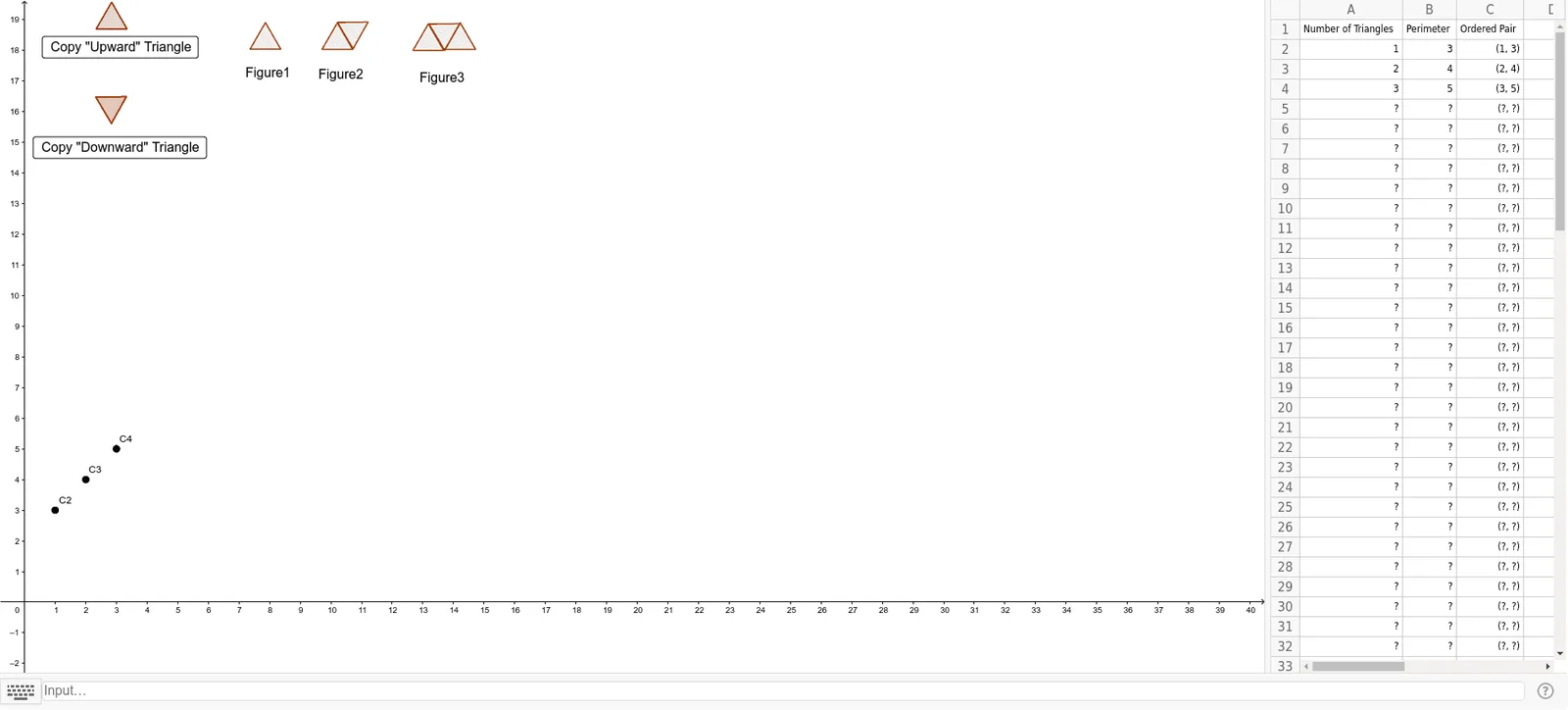
This example demonstrates how to construct triangles and calculate their perimeters using GeoGebra. Key math concepts include triangle properties, perimeter calculation, and geometric constructions involving points, line segments, and polygons. GeoGebra commands like If, Point, Polygon, and Segment are used to create and manipulate geometric elements. Suitable for middle school students and above for learning geometric constructions and perimeter calculations, as well as for mathematical teaching demonstrations.
GeoGebra Commands & Parameters
If(A2 > 0, (A2, B2), 0) → C2If(A3 > 0, (A3, B3), 0) → C3If(A4 > 0, (A4, B4), " ") → C4If(A5 > 0, (A5, B5), " ") → C5If(A6 > 0, (A6, B6), " ") → C6If(A7 > 0, (A7, B7), " ") → C7If(A8 > 0, (A8, B8), " ") → C8If(A9 > 0, (A9, B9), " ") → C9If(A10 > 0, (A10, B10), " ") → C10If(A11 > 0, (A11, B11), " ") → C11If(A12 > 0, (A12, B12), " ") → C12If(A13 > 0, (A13, B13), " ") → C13If(A14 > 0, (A14, B14), " ") → C14If(A15 > 0, (A15, B15), " ") → C15If(A16 > 0, (A16, B16), " ") → C16If(A17 > 0, (A17, B17), " ") → C17If(A18 > 0, (A18, B18), " ") → C18If(A19 > 0, (A19, B19), " ") → C19If(A20 > 0, (A20, B20), " ") → C20If(A21 > 0, (A21, B21), " ") → C21If(A22 > 0, (A22, B22), " ") → C22If(A23 > 0, (A23, B23), " ") → C23If(A24 > 0, (A24, B24), " ") → C24If(A25 > 0, (A25, B25), " ") → C25If(A26 > 0, (A26, B26), " ") → C26If(A27 > 0, (A27, B27), " ") → C27If(A28 > 0, (A28, B28), " ") → C28If(A29 > 0, (A29, B29), " ") → C29If(A30 > 0, (A30, B30), " ") → C30If(A31 > 0, (A31, B31), " ") → C31If(A32 > 0, (A32, B32), " ") → C32If(A33 > 0, (A33, B33), " ") → C33If(A34 > 0, (A34, B34), " ") → C34If(A35 > 0, (A35, B35), " ") → C35Point(Circle[A, 1]) → BPolygon(A, B, 3) → poly1, g, h, i, CPoint(Circle[D, 1]) → ESegment(D, E) → jPolygon(D, E, 3) → poly2, k, l, m, FPolygon((10.21504332640283, 18.917225779374085), (10.725582080558267, 18.05737103553335), 3) → poly5Polygon((7.363275011410328, 18.045590863047085), (8.363275011410328, 18.045590863047085), 3) → poly3Polygon((9.710638707472205, 18.03742981657482), (10.710638707472203, 18.03742981657482), 3) → poly4Polygon((12.681476461733965, 18.00499390541103), (13.681476461733965, 18.00499390541103), 3) → poly6Polygon((13.205685872259123, 18.86309650252601), (13.71622462641456, 18.003241758685274), 3) → poly7Polygon((13.724171026684221, 18.037429816574825), (14.724171026684221, 18.037429816574825), 3) → poly8Polygon((2.3257012257954934, 16.48140832121058), (2.8362399799509292, 15.621553577369845), 3) → poly9Polygon((2.342784583751115, 18.70867450443604), (3.342784583751115, 18.70867450443604), 3) → poly10Polygon((2.3257012257954934, 16.48140832121058), (2.8362399799509292, 15.621553577369845), 3) → poly11