
Triangle with Variable Angle Trigonometry Ratios
Loading the math board and drawing, please wait…
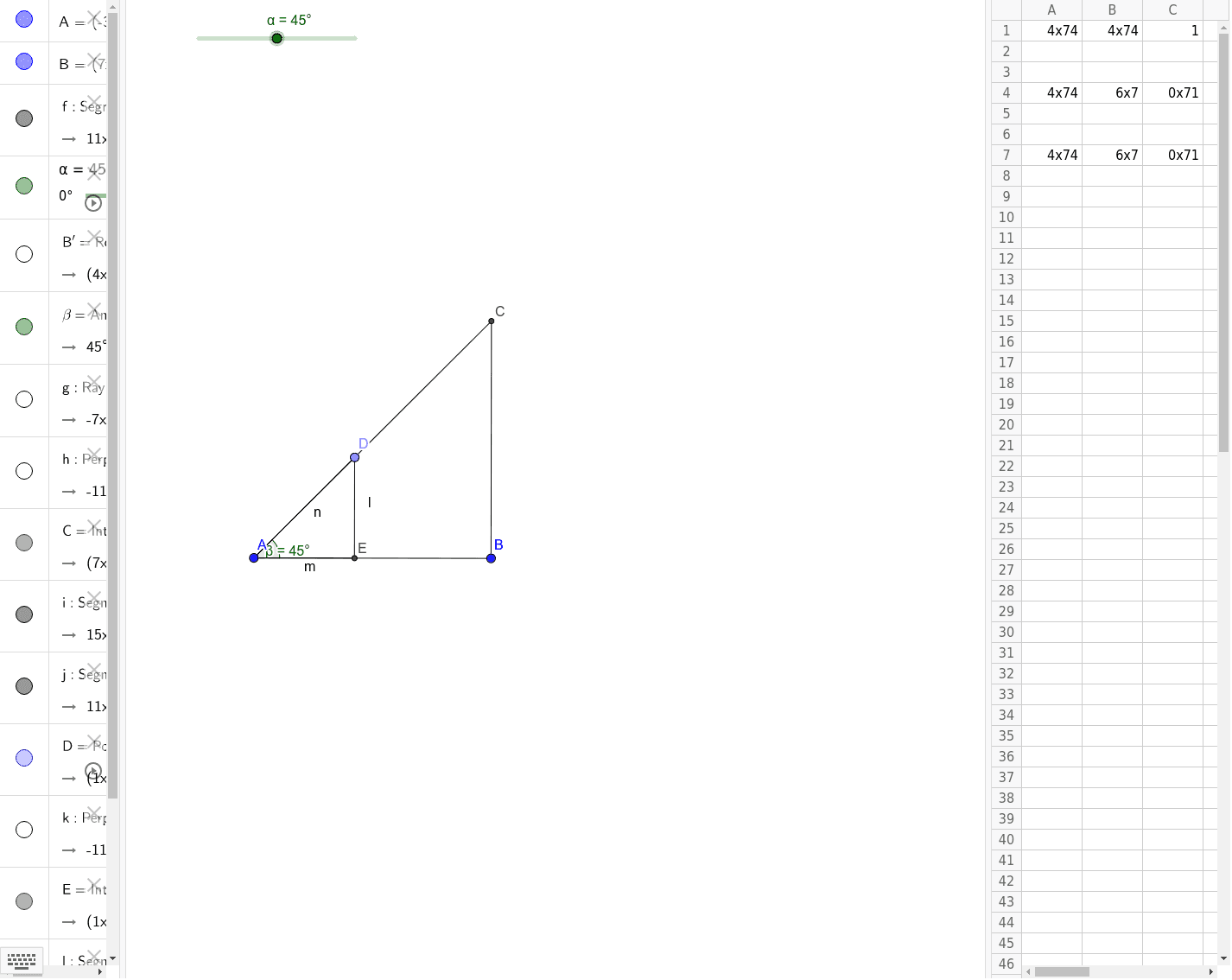
This example demonstrates a triangle with a variable angle, showing the changes in trigonometric ratios. Key mathematical concepts include trigonometry, angles, and random variables. Using GeoGebra commands such as Segment, Rotate, and Angle, the angle can be dynamically changed to observe the variations in trigonometric ratios. Suitable for high school mathematics education and learning.
GeoGebra Commands & Parameters
Segment(A, B) → fRotate(B, α, A) → B'Angle(B, A, B') → βRay(A, B') → gOrthogonalLine(B, f) → hIntersect(h, g) → CSegment(A, C) → iSegment(B, C) → jPoint(i) → DOrthogonalLine(D, f) → kIntersect(k, f) → ESegment(E, D) → lSegment(A, E) → mSegment(A, D) → n
AI Drawing Prompt Reference
Draw a triangle with a fixed base and a vertex that can rotate, changing one interior angle. Start with a horizontal base segment. From the left endpoint, draw a ray forming a variable angle with the base. Through the right endpoint, draw a perpendicular line to the base, intersecting the ray to get the third vertex. Connect the three vertices to form the triangle. Pick a point on one side of the triangle, drop a perpendicular from it to the base, marking the foot. Connect this point to both endpoints of the base, creating two smaller right triangles. The figure illustrates how trigonometric ratios change as the angle varies.
The prompt above was compiled from the original drawing commands and is for reference only.