
Triangle Dimensions
Loading the math board and drawing, please wait…
In collections
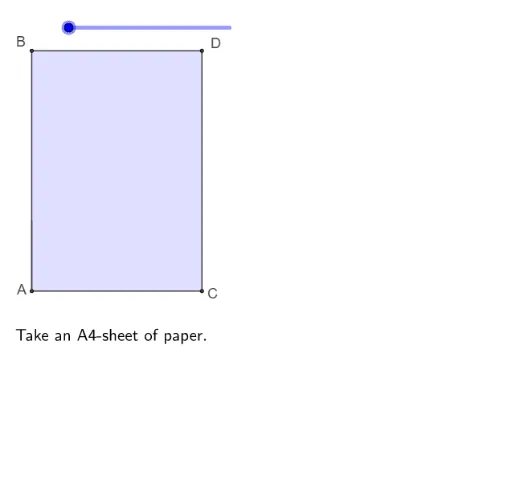
Folding paper, doing geometry figures
This example demonstrates how to construct a triangle and explore its dimensions using GeoGebra. Key mathematical concepts include the sides and angles of a triangle. Using commands like Polygon, Rotate, Segment, CircleArc, Line, AngularBisector, and Intersect, you can build and analyze the triangle. Suitable for middle school and above students or teachers.
GeoGebra Commands & Parameters
Polygon(A, C, D, B) → vierhoek1, a, c, d, bPolygon(B, A, C, E) → vierhoek2, b_1, a_1, c_1, ePolygon(B, E, D) → driehoek1, d_1, b_2, e_1Rotate(B, (((s - 1) * 180))°, d_1) → B'Rotate(E, (((s - 1) * 180))°, d_1) → E'Rotate(D, (((s - 1) * 180))°, d_1) → D'Polygon(B', E', D') → driehoek1', d', b', e'Rotate(B, 180°, d_1) → B'_1Rotate(E, 180°, d_1) → E'_1Rotate(D, 180°, d_1) → D'_1Polygon(B'_1, E'_1, D'_1) → driehoek1'_1, d'_1, b'_1, e'_1Segment(B, E) → fRotate(D, -90°, B) → DDCircleArc(B, DD, D) → gSegment(A, E) → hRotate(C, -135°, E) → C'CircleArc(E, C', C, xOyPlane) → kPolygon(A, C, E) → driehoek2, e_2, a_2, c_2Rotate(A, (((s - 3) * 180))°, h) → A'Rotate(C, -180°, h) → C'_1Rotate(E, (((s - 3) * (-180)))°, h) → E'_2Polygon(A, C'_1, E) → driehoek2', p, q, tPolygon(D'_1, A, E) → driehoek3, e_3, d'_2, a_3Polygon(A, C, E, DD) → vierhoek3, i, j, l, mLine(D'_1, E) → nAngularBisector(A, B, E) → rIntersect(p, b'_1) → FSegment(F, E) → g_1Segment(DD, F) → f_1Segment(B, D) → h_1Segment(D, E) → i_1Segment(A, C) → j_1Segment(C, E) → k_1
AI Drawing Prompt Reference
Draw triangle ABC, then rotate it around point D to form new triangle D'1E'B'1. Next, draw line segment BE and rotate line segment DD'1 around point B to form arc g. Then, draw line segment AE and rotate line segment C'E' around point E to form arc k. Connect points A, C, and E to form triangle AEC'. Finally, rotate line segment BE around point A to form new triangle A'E'C', and draw line segments DD'1 and F to E.
The prompt above was compiled from the original drawing commands and is for reference only.