
Triacon Sub-Division Demo
Loading the math board and drawing, please wait…
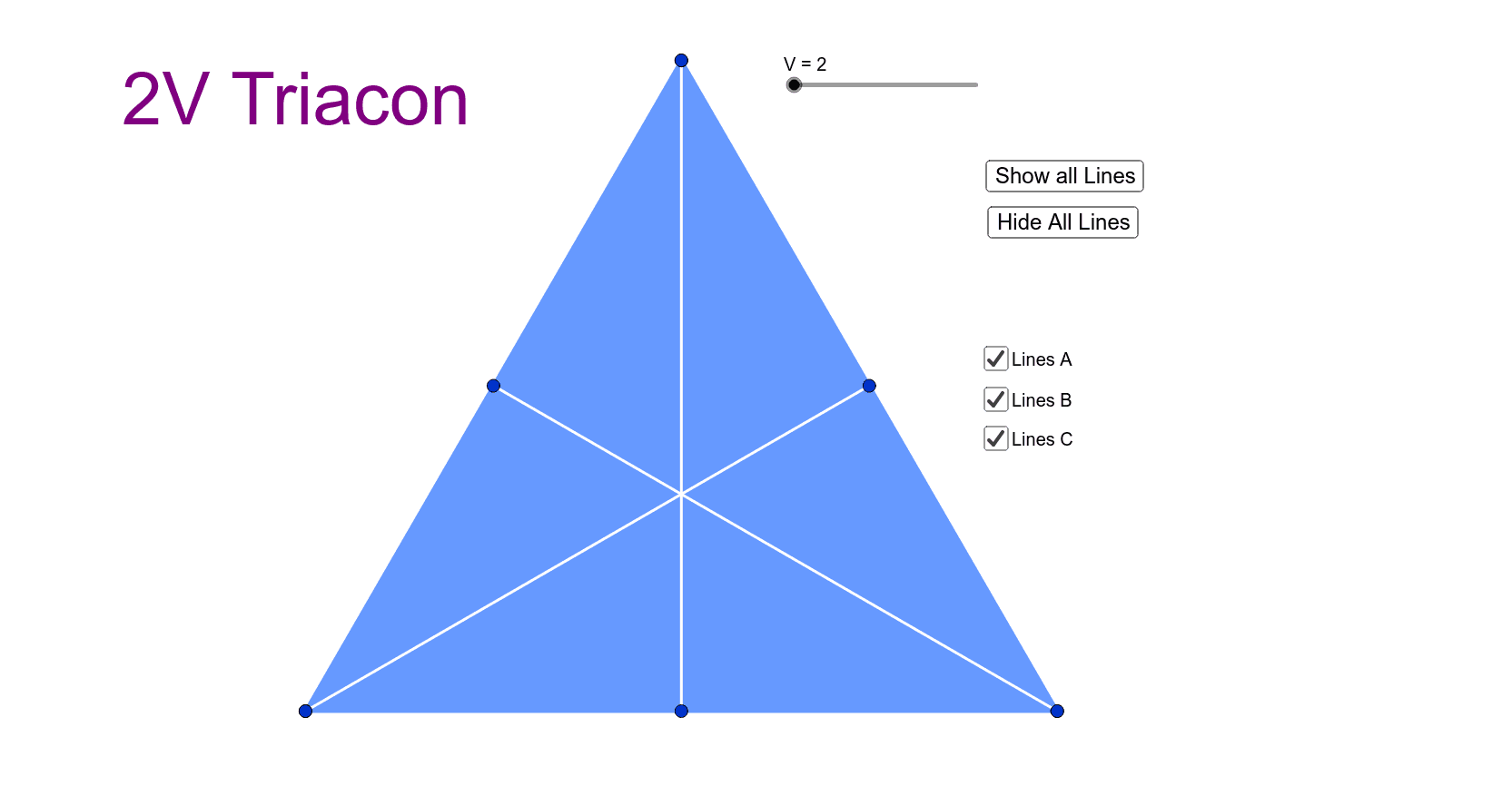
This example demonstrates the division of a triangle's sides into equal segments using intersection points, visualizing the division points. Key math concepts include coordinate geometry, trigonometry, and geometric transformations. Construction highlights: GeoGebra commands Intersect, Polygon, Sequence are used; objects like C_1, B_1, A_1, A, B, C, poly1, c, a, b, V, L1, L2, L3, L4, L5, L6, d, e, f, button1, button2, text1 are involved. Suitable for high school students and above to learn geometric constructions and partition techniques, as well as for introductory demonstrations in calculus and probability & statistics.
GeoGebra Commands & Parameters
Intersect(C_1, B_1, 1) → AIntersect(C_1, A_1, 1) → BIntersect(B_1, A_1, 1) → CPolygon(A, B, C) → poly1, c, a, bSequence(A + (i * C), i, 0, 1, 1 / V) → L1Sequence(B + (i * (C - B)), i, 0, 1, 1 / V) → L2Sequence(A + (i * B), i, 0, 1, 1 / V) → L3Sequence(OrthogonalLine[Element[L3, k], c], k, 2, V) → L4Sequence(OrthogonalLine[Element[L1, k], b], k, 2, V) → L5Sequence(OrthogonalLine[Element[L2, k], a], k, 2, V) → L6
AI Drawing Prompt Reference
Draw a triangle with each side divided into equal segments, with division points determined by intersections of the sides. Start by placing three points and connecting them to form a triangle. Then, from each vertex, generate a series of points along the opposite side at equal intervals, dividing each side uniformly. Next, from these division points, draw perpendicular lines to the corresponding sides, creating a set of auxiliary lines that reveal the internal subdivision structure. The overall figure emphasizes the geometric relationships of equal division and perpendicularity, suitable for demonstrating partitioning and construction techniques.
The prompt above was compiled from the original drawing commands and is for reference only.