
Trapezium App
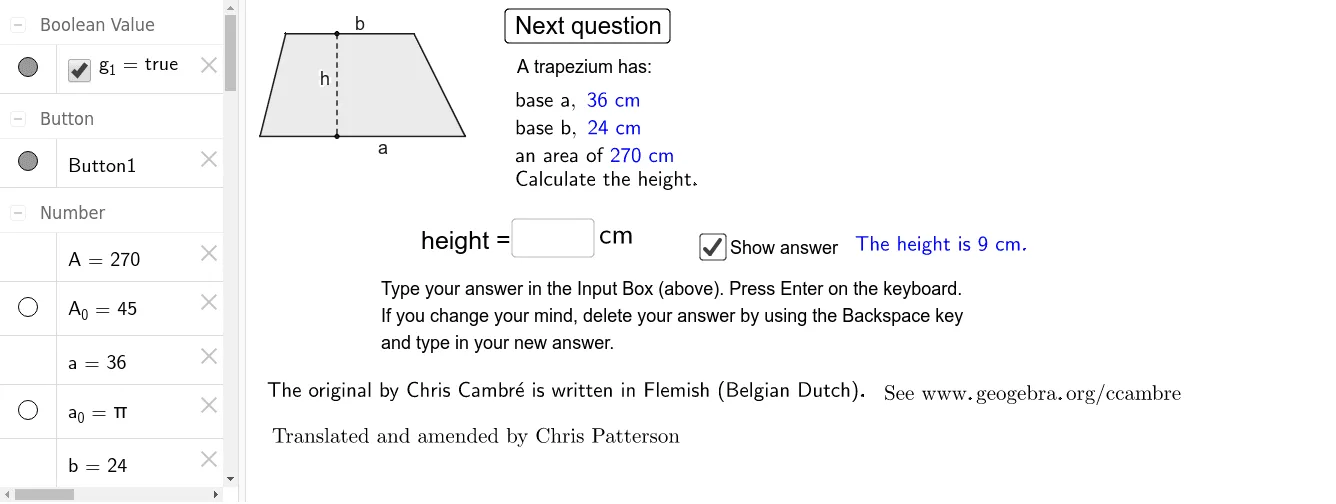
Loading the math board and drawing, please wait…
This example demonstrates the properties and calculations of a trapezoid, involving core math concepts like area formula, isosceles triangles, statistical characteristics, differential calculus, and scalene triangles. It constructs the shape using commands such as Random, Polygon, Point, Segment, and Textfield, making it suitable for high school mathematics teaching, focusing on geometric construction and function graphing.
GeoGebra Commands & Parameters
Random(1, 3) → kRandom(8, 40) → aRandom(2, a - 2) → bRandom(3, 20) → hPolygon(F, C, D, E) → trapezium1, f, c, d, ePoint(d) → GPoint(f) → HSegment(G, H) → gTextfield(nullA) → Box1Textfield(nullb) → Box2Textfield(nullh) → Box3
AI Drawing Prompt Reference
Draw a trapezoid with randomly generated lengths for the top and bottom bases, and a random height. Label the exact values of the top base, bottom base, and height. Construct an isosceles triangle inside the trapezoid and display its statistical characteristics. Also, draw the height of the trapezoid and mark the key points. Finally, add text fields to show the area formula and calculation results of the trapezoid.
The prompt above was compiled from the original drawing commands and is for reference only.