
Torus Intersections Demo
Loading the math board and drawing, please wait…
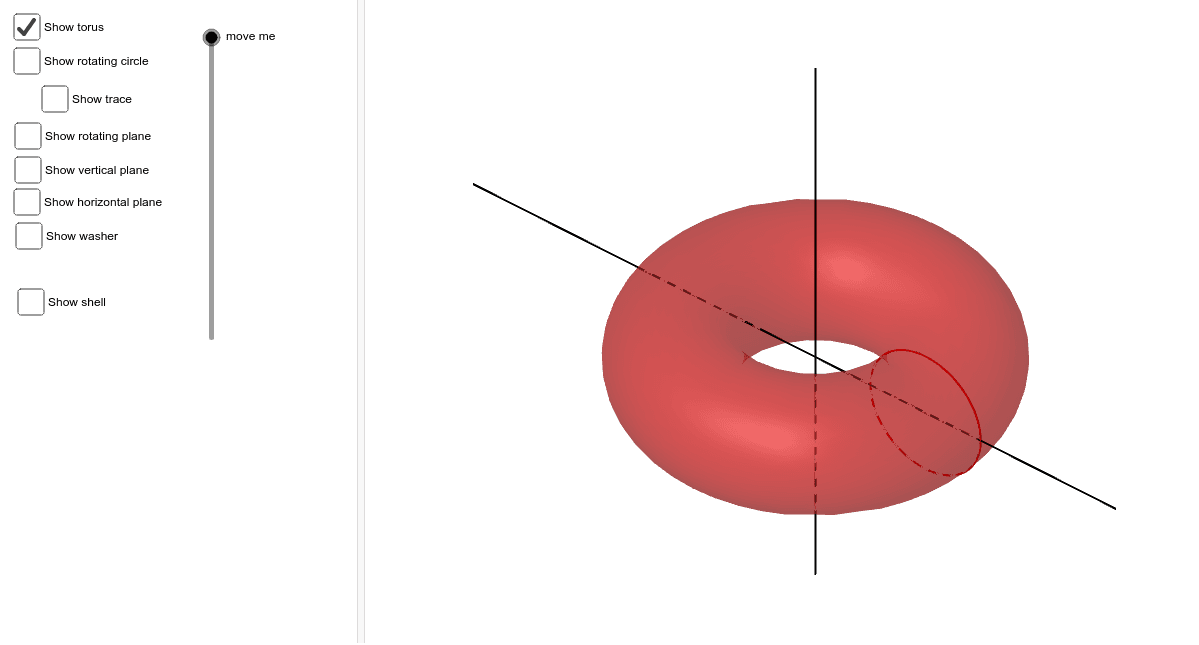
This example demonstrates the intersection curves between a torus and a secant line, exploring concepts like frequency distribution and standard deviation within differential calculus and exponent functions. It is constructed using GeoGebra commands such as Surface, CurveCartesian, Plane, Line, and Rotate, involving objects like a, r, b, p, etc. Ideal for high school and above, focusing on solid geometry and calculus applications.
GeoGebra Commands & Parameters
Surface(((2 + cos(u)) * cos(t)), ((2 + cos(u)) * sin(t)), sin(u), t, 0, 6.28319, u, 0, 6.28319) → aSurface((r * cos(v)), (r * sin(v)), (u * sqrt(1 - (r - 2)^(2))), v, 0, 6.28319, u, -1, 1) → bSurface((cos(v) * (2 - sqrt(1 - p^(2)) + ((2 * u) * sqrt(1 - p^(2))))), (sin(v) * (2 - sqrt(1 - p^(2)) + ((2 * u) * sqrt(1 - p^(2))))), p, v, 0, 6.28319, u, 0, 1) → cCurveCartesian(0, 2 + cos(u), sin(u), u, 0, 6.28319) → dPlane(A, B, C) → eSurface((u * cos(p_a + π / 2)), (u * sin(p_a + π / 2)), v, u, 0, 4, v, -2, 2) → gCurveCartesian(0, 0, u, u, -10, 10) → hLine((0, 0, 0), (0, 0, 5)) → iRotate(d, p_a, i) → d'CurveCartesian(0, u, 0, u, -10, 10) → j
AI Drawing Prompt Reference
Draw the intersection curves between a torus and a secant line, exploring frequency distribution and standard deviation in differential calculus and exponent functions. Start by creating a torus, then generate a secant line, use two planes to slice the torus, and finally rotate the curve along a line to observe the changes in intersection curves.
The prompt above was compiled from the original drawing commands and is for reference only.