
The Cosine Rule
Loading the math board and drawing, please wait…
In collections
Trigonometric Rules
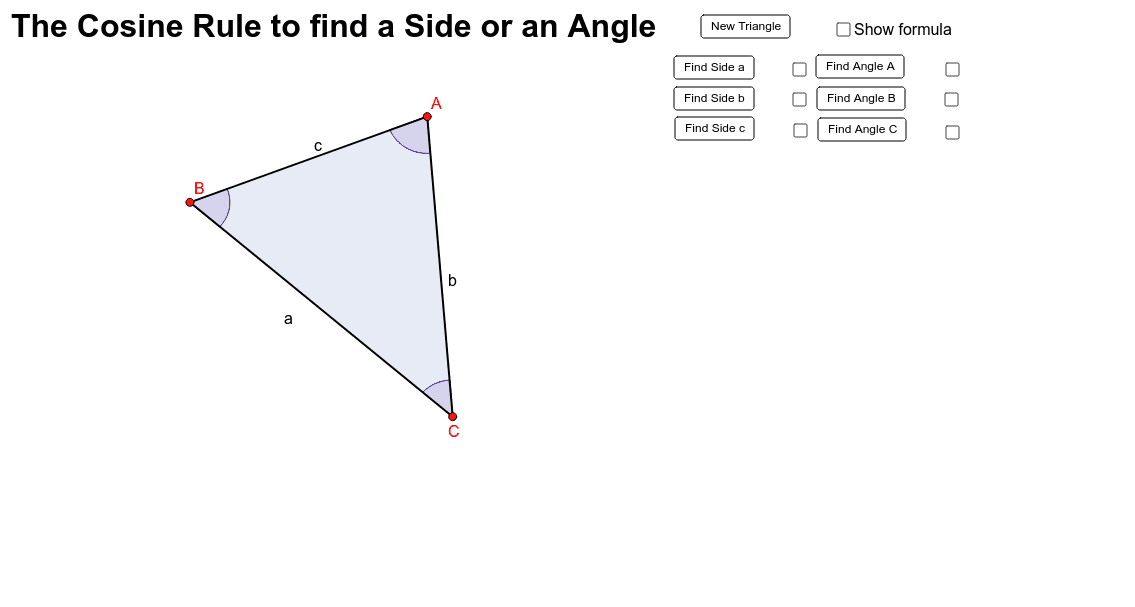
This example demonstrates how to use the cosine rule to find the sides and angles of a triangle. Using GeoGebra commands such as Random, Segment, Angle, Distance, etc., students can visually understand the application of the cosine rule. Suitable for middle school and above students to learn trigonometry and geometric construction.
GeoGebra Commands & Parameters
Random(5, 50) → p1Random(5, 50) → p2Random(-5, -50) → p3Random(5, 50) → p4Random(-50, 50) → p5Random(-5, -50) → p6Segment(C, B) → aSegment(B, A) → bSegment(A, C) → cAngle(C, B, A) → αAngle(B, A, C) → βAngle(A, C, B) → γDistance(a, b) → dPolygon(C, B, A) → poly1, a_1, c_1, b_1Angle(C, B, A) → δAngle(B, A, C) → εAngle(A, C, B) → ζ
AI Drawing Prompt Reference
Draw a triangle ABC with points A, B, and C randomly generated. Connect points A, B, and C to form the three sides a, b, and c of the triangle. Measure and display the degree of the three interior angles α, β, and γ of the triangle.
The prompt above was compiled from the original drawing commands and is for reference only.