
Tessellation Creator V.Square01
Loading the math board and drawing, please wait…
In collections
Geo&Alg:Area Volume Pythagorean Th.
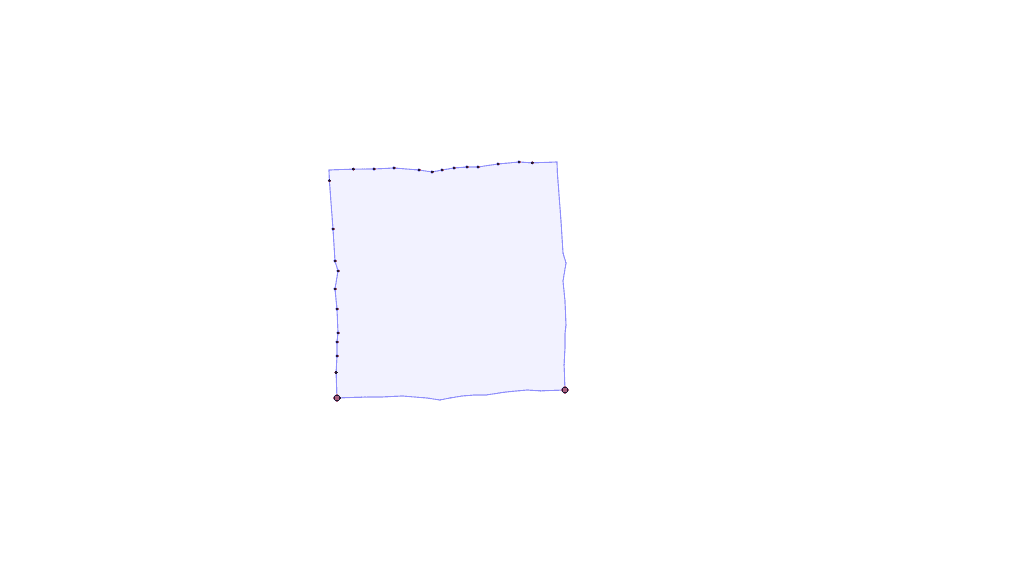
This example demonstrates how to create a square‑based tile for tessellation by dragging points. It involves core concepts such as polygon geometry, vector operations, and translation transformations. The construction uses GeoGebra commands Polygon, Vector, Point, and Translate with objects like A, B, poly1, a, b, c, d, etc. It is suitable for high‑school geometry classes or interdisciplinary projects that explore the mathematics of tiling.
GeoGebra Commands & Parameters
Polygon(A, B, 4) → poly1, a, b, c, d, C, DVector(D, A) → uVector(D, C) → vPoint(d) → EPoint(d) → NPolygon(E, F, G, H, I, J, K, L, M, N) → poly2, e, n, f, g, h, i, j, k, l, mPoint(c) → OPoint(c) → B_1Polygon(O, P, A_1, B_1, Q, R, S, T, U, V, W, Z) → poly3, o, z, a_1, b_1, p, q, r, s, t, u_1, v_1, wTranslate(E, v) → E'Translate(F, v) → F'Translate(G, v) → G'Translate(H, v) → H'Translate(I, v) → I'Translate(J, v) → J'Translate(K, v) → K'Translate(L, v) → L'Translate(M, v) → M'Translate(N, v) → N'Polygon(E', F', G', H', I', J', K', L', M', N') → poly2', e', n', f', g', h', i', j', k', l', m'Translate(O, u) → O'Translate(P, u) → P'Translate(Q, u) → Q'Translate(R, u) → R'Translate(S, u) → S'Translate(T, u) → T'Translate(U, u) → U'Translate(V, u) → V'Translate(W, u) → W'Translate(Z, u) → Z'Translate(A_1, u) → C_1Translate(B_1, u) → D_1Polygon(O', P', C_1, D_1, Q', R', S', T', U', V', W', Z') → poly3', o', z', c_1, d_1, p', q', r', s', t', u', v', w'Polygon(D, O, Z, A_1, B_1, C, E', F', G', H', I', J', P, K', L', M', N', B, D_1, C_1, Z', W', V', Q, U', T', S', R', Q', P', O', A, N, M, R, L, K, J, I, H, G, F, E, S, T, U, V, W) → poly4, d_2, w_1, z_1, a_2, b_2, c_2, e'_1, f'_1, g'_1, h'_1, i'_1, o_1, j'_1, k'_1, l'_1, m'_1, n'_1, b_3, d_3, c_3, z'_1, w'_1, p_1, v'_1, u'_1, t'_1, s'_1, r'_1, q'_1, p'_1, o'_1, a_3, n_1, q_1, m_1, l_1, k_1, j_1, i_1, h_1, g_1, f_1, e_1, r_1, s_1, t_1, u_2, v_2