
Tangent Line 8: Constructing Tangents to a Circle
Loading the math board and drawing, please wait…
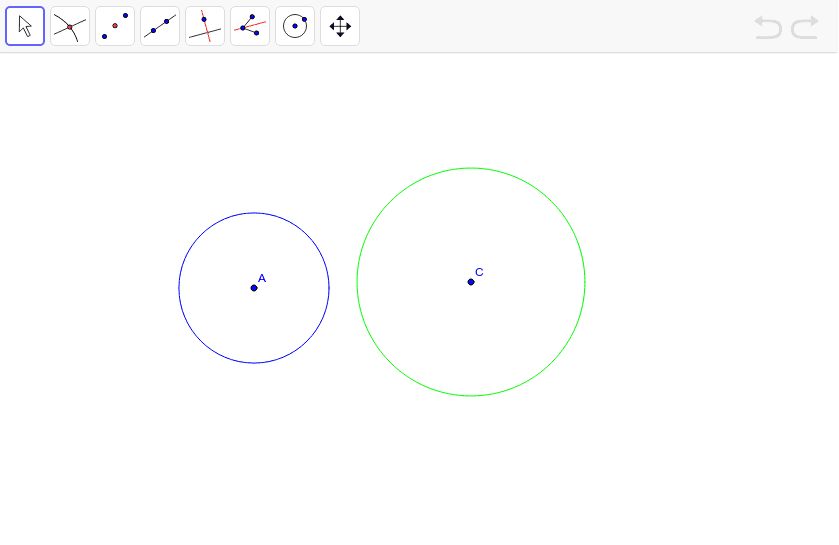
This GeoGebra example demonstrates the construction of tangent lines to a circle, illustrating the geometric relationship between the tangent, the point of tangency, and the radius. The core mathematical concepts include the tangent property (perpendicular to the radius at the point of contact), and the use of geometric construction tools for precise drawing. The construction uses the Circle command to create circle c, the Tangent command to generate tangent lines, and involves points A, B, C, D along with auxiliary objects step1, step2, text1, and target1 through target4 to control the dynamic display. Suitable for middle school or high school geometry lessons, as well as introductory analytic geometry in college, this example helps students intuitively understand the definition and construction of tangents, and explore the positional relationships between tangents and circles.
GeoGebra Commands & Parameters
Circle(A, B) → cCircle(C, D) → dTangent(c, d) → target1, target2, target3, target4
AI Drawing Prompt Reference
Draw a geometric construction with two circles: a larger main circle and a smaller auxiliary circle. Construct four tangent lines from the auxiliary circle to the main circle, each touching the main circle at a distinct point of tangency. Clearly mark the centers and radii of both circles, as well as the tangent points. The construction order is: first draw the two circles, then generate the four tangents using geometric relationships, ensuring each tangent intersects the main circle at exactly one point where the radius is perpendicular to the tangent. This diagram illustrates the tangent property of circles for middle school geometry.
The prompt above was compiled from the original drawing commands and is for reference only.