
Surface of Revolution: Line (3D Glasses Effect)
Loading the math board and drawing, please wait…
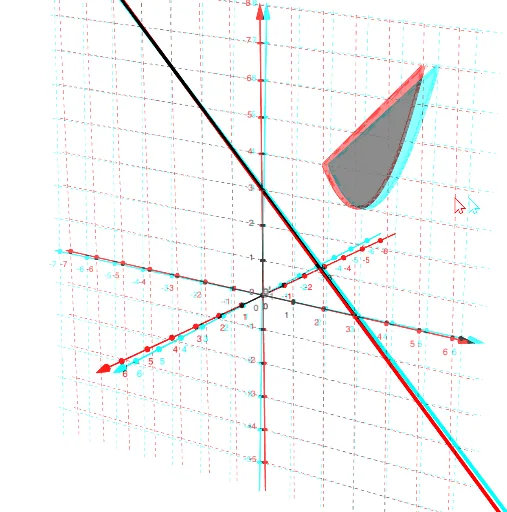
This example demonstrates how to generate a surface of revolution by rotating a line, with a 3D glasses effect for enhanced visualization. Key math concepts include surface of revolution, tangent line, function graphing, and vectors. Constructed using GeoGebra commands like Line, Rotate, and Surface. Suitable for high school and above students studying spatial geometry, calculus, and 3D graph visualization.
GeoGebra Commands & Parameters
Line((0, 3, 0), (3, 0, 0)) → hRotate(f, n, h) → f_1Rotate(g, n, h) → g_1Surface(f, n, h) → aSurface(g, n, h) → bSurface(t, (u * f(t)) + ((1 - u) * g(t)), 0, t, 2, 5, u, 0, 1) → cRotate(c, n, h) → c'
AI Drawing Prompt Reference
Create a 3D surface of revolution by rotating a line around another line. Start with two intersecting lines in space, one as the axis and one as the generator. Rotate the generator around the axis to form a ruled surface like a cone or hyperboloid. Then add an auxiliary surface connecting the two lines, and rotate this whole assembly to create a closed form. Render the surfaces in red and blue for an anaglyph 3D effect, emphasizing the spatial depth and rotational symmetry.
The prompt above was compiled from the original drawing commands and is for reference only.