
Surface of Revolution - Cylinder 1.1
Loading the math board and drawing, please wait…
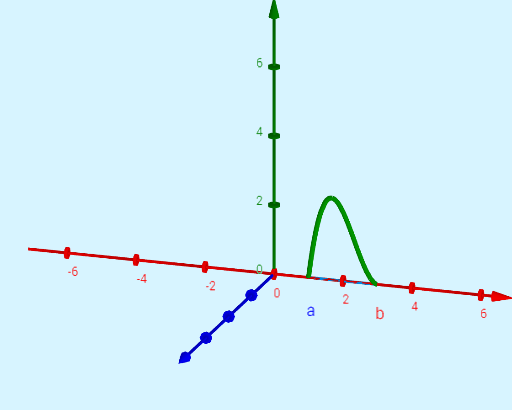
This example demonstrates the process of generating a surface of revolution, specifically a cylinder. Key mathematical concepts include rotation, solid geometry, and coordinate geometry. Using GeoGebra commands such as Surface, Cylinder, and Segment, the generation of the surface of revolution can be dynamically shown. Suitable for high school mathematics education and learning, particularly in solid geometry and coordinate geometry.
GeoGebra Commands & Parameters
Surface((t * cos(u)), f_{R}(t), (t * sin(u)), t, a, b, u, 0, (2 * π)) → dCylinder((0, f_{r}(trace), 0), (0, f_{R}(trace), 0), trace) → c, c_2, c_3, c_4Segment(C, D) → fSegment(E, D) → hSegment(B, F) → gSurface((t * cos(u)), f_{r}(t), (t * sin(u)), t, a, b, u, 0, (2 * π)) → eSegment(A, G) → i
AI Drawing Prompt Reference
Create a surface of revolution for a cylinder. First, draw two cylindrical surfaces with bases at (0, f_r(trace), 0) and (0, f_R(trace), 0). Then, connect the boundary points of these surfaces to form the cylinder's side. Next, draw the two bases of the cylinder and use line segments to connect corresponding points on the bases. Finally, generate the entire surface of revolution for the cylinder.
The prompt above was compiled from the original drawing commands and is for reference only.