
Surface Area of Square Pyramid with Net
Loading the math board and drawing, please wait…
In collections
Geometry: Surface Area & Volume
Geometry: Surface Area & Volume
Geometry: Surface Area & Volume
GA Chapter 11: Surface Area and Volume
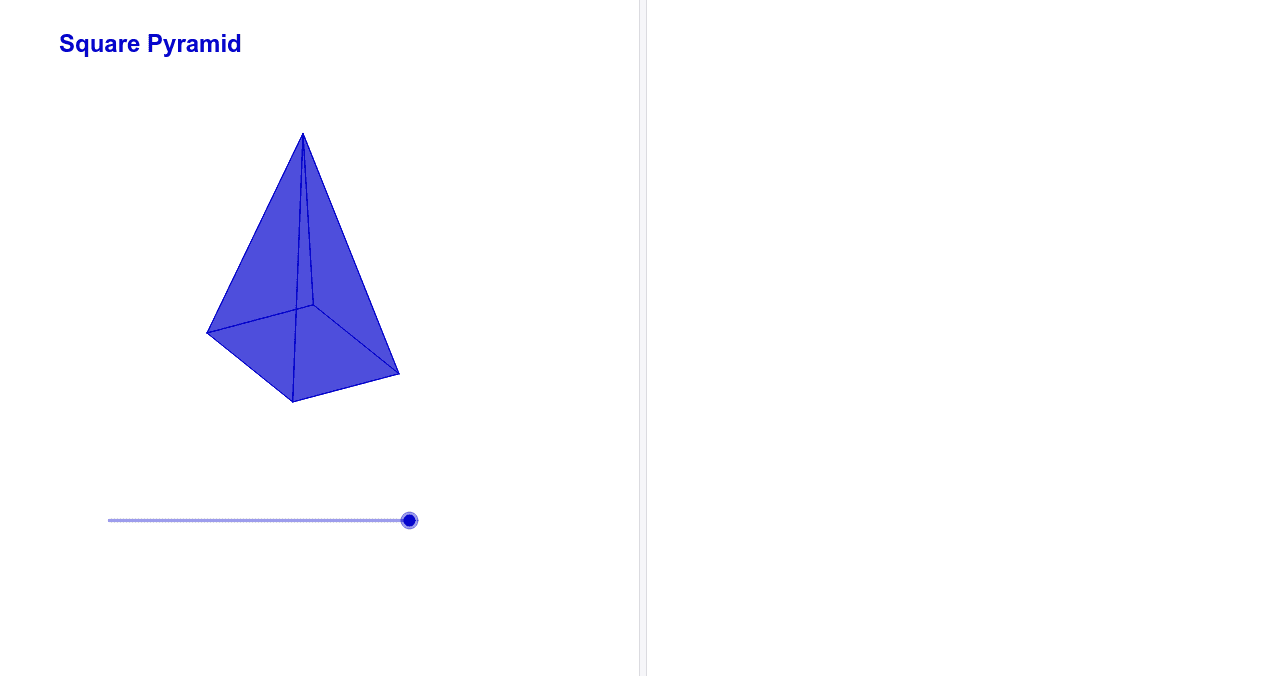
This interactive GeoGebra applet demonstrates how to calculate the surface area of a square pyramid by visually unfolding it into its net. The example shows that the net consists of a square base and four congruent isosceles triangles. Key mathematical concepts covered include area formulas for squares and isosceles triangles, properties of congruent triangles, and surface area computation through net analysis. Construction details: Polygon commands create the square base and triangular faces; Rotate commands animate the unfolding process; Angle commands control the rotation; Midpoint and Segment commands help locate triangle heights precisely. Ideal for secondary school geometry lessons on surface area, nets of 3D solids, and understanding the relationship between 2D nets and 3D polyhedra.
GeoGebra Commands & Parameters
Circle(A, a) → cPoint(c) → BCircle(B, a) → dIntersect(c, d) → C, D, ,Point(d) → ECircle(E, a) → eIntersect(e, c) → F, G, ,Polygon(A, B, E, G) → poly1, a_1, b, e_1, gMidpoint(g) → HMidpoint(e_1) → IMidpoint(b) → JMidpoint(a_1) → KLine(K, I) → fLine(H, J) → h_1Intersect(h_1, f) → LCircle(L, a + h) → kIntersect(k, h_1) → M, NIntersect(k, f) → O, PPolygon(B, N, E) → poly2, e_2, b_1, n_1Polygon(G, P, E) → poly3, e_3, g_1, pPolygon(A, M, G) → poly4, g_2, a_2, mPolygon(A, O, B) → poly5, b_2, a_3, oLine(L, yAxis) → iPoint(i) → QAngle(Q, L, M) → αAngle(Q, L, O) → βAngle(P, L, Q) → γAngle(N, L, Q) → δRotate(M, (-((n * α))), L) → M'Rotate(O, (-((n * β))), L) → O'Polygon(A, M', G) → poly6, g_3, a_4, m'Polygon(O', A, B) → poly7, b_3, o', a_5Angle(N, B, Q) → εRotate(P, (n * γ), L) → P'Polygon(G, P', E) → poly8, e_4, g_4, p'Rotate(N, (n * δ), L) → N'Polygon(E, N', B) → poly9, b_4, e_5, n'Polygon(B, E, N') → poly10, n'_1, b_5, e_6Polygon(R, S, 4) → poly11, j, l, q, r, T, UCircle(U, V) → sCircle(T, Distance[U, V]) → tIntersect(s, t, 1) → WSegment(U, W) → c_1Segment(W, T) → d_1Polygon(U, T, W) → poly12, w, u, t_1Segment(R, T) → f_1Midpoint(f_1) → ZRotate(U, 90*°, Z) → U'Rotate(T, 90*°, Z) → T'Rotate(W, 90*°, Z) → W'Polygon(U', T', W') → poly12', w', u', t'Rotate(U, 180*°, Z) → U'_1Rotate(T, 180*°, Z) → T'_1Rotate(W, 180*°, Z) → W'_1Polygon(U'_1, T'_1, W'_1) → poly12'_1, w'_1, u'_1, t'_1Rotate(U, 270*°, Z) → U'_2Rotate(T, 270*°, Z) → T'_2Rotate(W, 270*°, Z) → W'_2Polygon(U'_2, T'_2, W'_2) → poly12'_2, w'_2, u'_2, t'_2
AI Drawing Prompt Reference
Create a drawing of a square pyramid net. Begin with a square base, then attach four congruent isosceles triangles to each side of the square. Show the triangles unfolding outward to form a flat shape, illustrating how the surface area is composed of the square and the four triangles. Highlight the base and each triangle, indicate their heights and base lengths, and optionally add rotation arrows to demonstrate the unfolding process. The illustration should emphasize the relationship between the 3D pyramid and its 2D net, making it clear how the total surface area is calculated from the areas of the individual faces.
The prompt above was compiled from the original drawing commands and is for reference only.