
Surface Area of Rectangular Prism by Patricia Loy
Loading the math board and drawing, please wait…
In collections
Surface Area
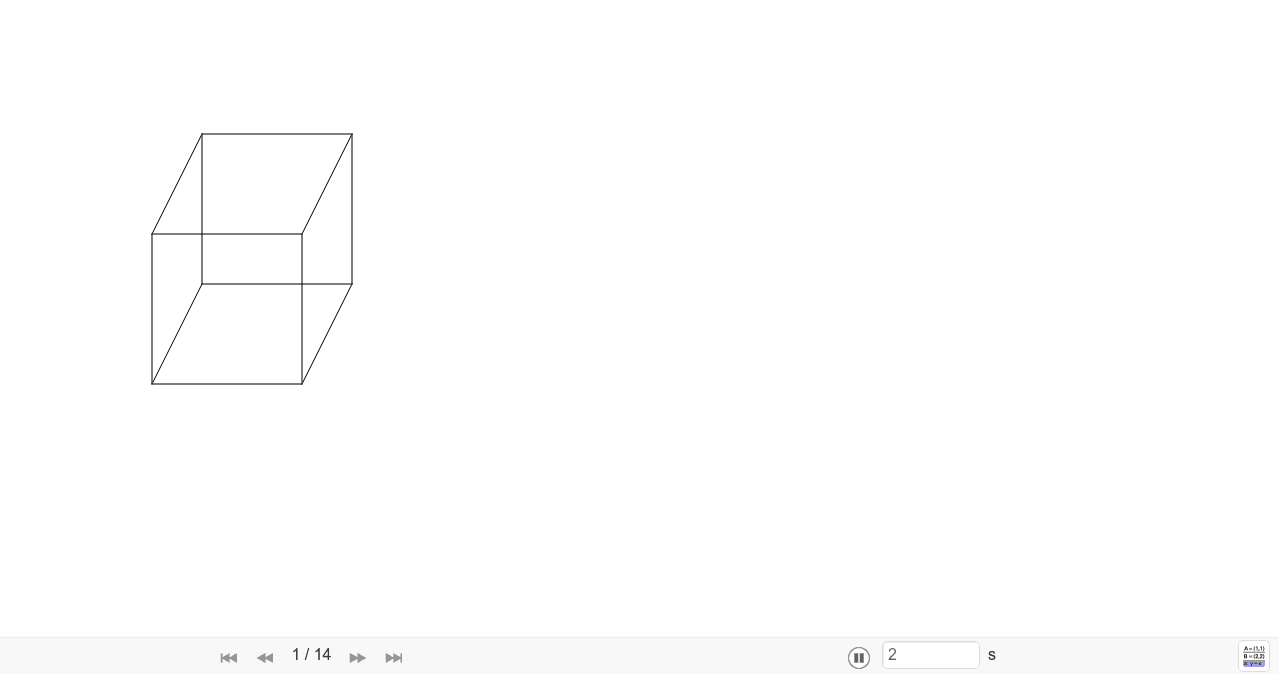
This example demonstrates the surface area calculation of a rectangular prism. Key mathematical concepts include geometric construction, coordinate geometry, and solid geometry. Using GeoGebra commands such as Segment and Polygon, the example dynamically shows the faces of the rectangular prism and their surface areas. Suitable for middle school and above students to learn about geometry and solid geometry.
GeoGebra Commands & Parameters
Segment(A, B) → jSegment(C, A) → iSegment(B, D) → kSegment(C, D) → lSegment(G, E) → mSegment(E, F) → nSegment(F, H) → pSegment(H, G) → qSegment(A, E) → rSegment(C, G) → sSegment(D, H) → tSegment(B, F) → i_1Polygon(A, C, D, B) → poly1, a, c, d, bPolygon(E, G, H, F) → poly2, e, g, h, fPolygon(A, E, G, C) → poly3, a_1, e_1, g_1, c_1Polygon(B, F, H, D) → poly4, b_1, f_1, h_1, d_1Polygon(A, E, F, B) → poly5, a_2, e_2, f_2, b_2Polygon(C, G, H, D) → poly6, c_2, g_2, h_2, d_2
AI Drawing Prompt Reference
Draw a rectangular prism and label its six faces. Start by drawing four vertices A, B, C, and D, then connect AB, BC, CD, and DA to form the base. Next, draw vertices E, F, G, and H, and connect EF, FG, GH, and HE to form the top. Finally, connect corresponding vertices, such as AE, CG, etc., to form the six faces.
The prompt above was compiled from the original drawing commands and is for reference only.