
Surface Area of Rectangular Prism by J.Lacoste
Loading the math board and drawing, please wait…
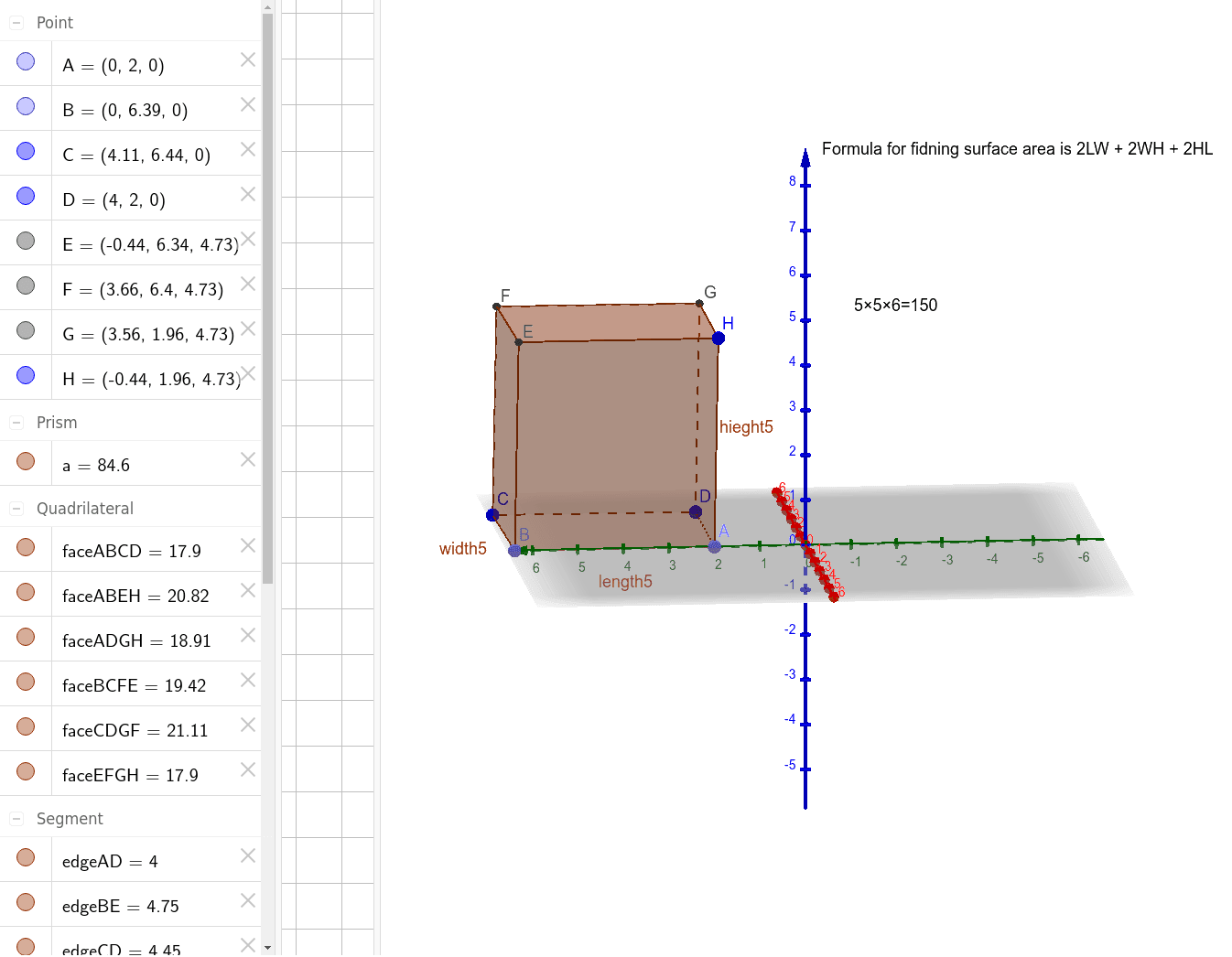
This example demonstrates how to calculate the surface area of a rectangular prism. It involves core math concepts like area calculation, solid geometry, and polygons. Constructed using GeoGebra commands such as Point, Prism, and various objects like points (A, B, C, D, H), dimensions (length, width, height), and faces. Suitable for middle school students and above to learn about surface area in solid geometry.
GeoGebra Commands & Parameters
Point(yAxis) → APoint(yAxis) → BPrism(A, B, C, D, H) → a, E, length5, width5, edgeCD, edgeAD, hieght5, edgeBE, edgeCF, edgeDG, edgeEH, edgeEF, F, edgeFG, edgeGH, G, faceABCD, faceABEH, faceBCFE, faceCDGF, faceADGH, faceEFGH
AI Drawing Prompt Reference
Draw a rectangular prism with six faces: the bottom face ABCD, the top face ABEH, the side face BCFE, the side face CDGF, the side face ADGH, and the side face EFGH. Start by creating two points A and B on the y-axis, and then use these points and a height point H to construct the prism.
The prompt above was compiled from the original drawing commands and is for reference only.