
Summing Line Segments with Feedback
Loading the math board and drawing, please wait…
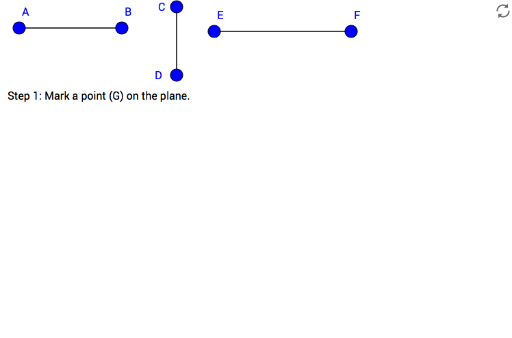
This example demonstrates how to construct geometric shapes by summing line segments and uses feedback to aid students in understanding. Key mathematical concepts include line segments, vectors, and geometric construction. It utilizes commands such as Segment, Ray, Circle, and Intersect in GeoGebra. Suitable for middle school and above students learning geometric construction and vector concepts.
GeoGebra Commands & Parameters
Segment(A, B) → fSegment(C, D) → gSegment(E, F) → hRay(G, L) → zRayCircle(G, Segment[A, B]) → cIntersect(c, zRay, 1) → HCircle(H, Segment[C, D]) → dIntersect(d, zRay, 2) → ICircle(I, Segment[E, F]) → eIntersect(e, zRay, 2) → JSegment(G, J) → zSegment
AI Drawing Prompt Reference
Draw a geometric shape composed of line segments. First, draw three line segments. Then, draw a ray. Next, draw a circle with the first line segment as radius. Find the intersection of the circle and the ray. Then, draw another circle with the second line segment as radius. Find the second intersection of this circle and the ray. Finally, draw a line segment connecting the ray's starting point and the second intersection. The shape should illustrate the relationships between line segments, rays, and circles.
The prompt above was compiled from the original drawing commands and is for reference only.