
Subtraction Quiz - Level 1
Loading the math board and drawing, please wait…
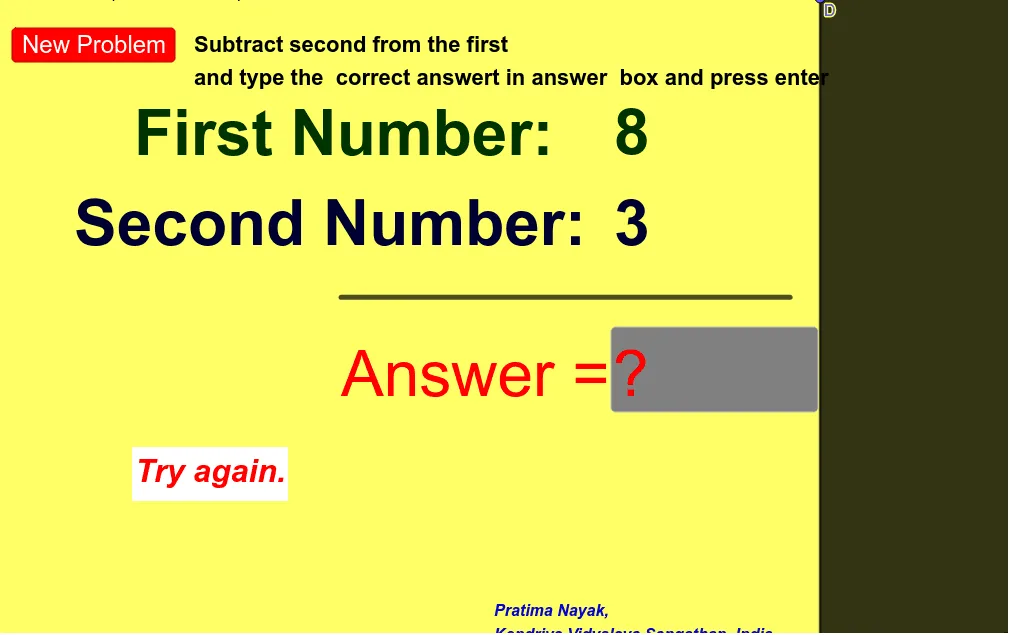
This example demonstrates the visual process of subtraction, showing the numerical operation through dynamic diagrams. Core math concepts include subtraction, numerical comparison, and geometric representation. Construction highlights involve Random commands for generating random numbers, Textfield and Segment objects for interactive interfaces, and Polygon for geometric shapes. Suitable for lower elementary students or early mathematics education to understand basic subtraction concepts and visual representation.
GeoGebra Commands & Parameters
Random(7, 9) → aRandom(3, 5) → bTextfield(c) → InputBox2Segment(A, C) → fPolygon(D, E, F, G) → q1, d, e, f_1, g
AI Drawing Prompt Reference
Create a subtraction diagram where a number between 7 and 9 is randomly chosen as the minuend, and a number between 3 and 5 is randomly chosen as the subtrahend. Input the difference in a text field. Draw a segment connecting the minuend and subtrahend. Use a quadrilateral to represent the subtraction process, including the minuend, subtrahend, difference, and a minus sign.
The prompt above was compiled from the original drawing commands and is for reference only.