
Digits & Numbers Word Problems GeoGebra Example
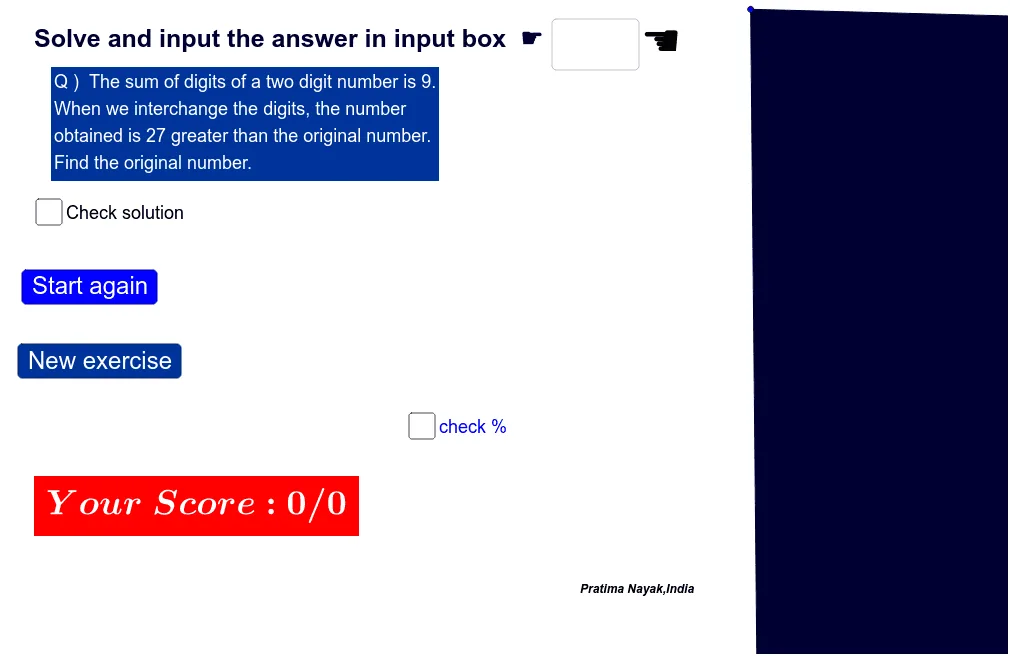
Loading the math board and drawing, please wait…
This example demonstrates how to construct mathematical problems related to digits and equations using GeoGebra, showcasing the connection between linear equations and geometric figures through an interactive interface. Core math concepts include linear equations, polygon construction, probability logic, and tree diagrams. Key GeoGebra commands used are Random for generating random numbers, Polygon for creating polygons, Textfield and PrimeFactors for handling number factors, and InputBox1 and buttons for interactive input and verification. Suitable for middle school and above students to enhance comprehension and logical reasoning, particularly useful for action research in teaching design.
GeoGebra Commands & Parameters
Random(5, 8) → aRandom(-2, 2) → nRandom(-1, 3) → rPolygon(A, B, C, D) → q1, a_1, b_1, c, dTextfield(empty) → InputBox1PrimeFactors(a) → L_1
AI Drawing Prompt Reference
Create a math problem example involving random numbers and geometric shapes, start by generating four random coordinate points and connecting them into a quadrilateral, label the vertices with numbers, then factorize the first number and display the prime factors, finally use an input box for users to verify the equation's solution, showing the connection between digits, geometry, and equations.
The prompt above was compiled from the original drawing commands and is for reference only.