
Substitute Solution to Equation
Loading the math board and drawing, please wait…
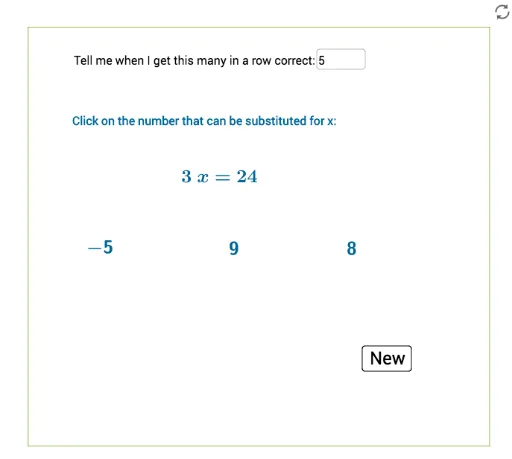
This example demonstrates substituting the solution of an equation into the equation. Key mathematical concepts include the solution of an equation and its substitution. GeoGebra commands used include: Random, RandomElement, Shuffle, Element, Simplify, Textfield, Point, Polygon. Suitable for students at middle school level and above to learn the application of equation solutions.
GeoGebra Commands & Parameters
Random(-10, 10) → bRandomElement(lista) → aRandom(-5, 12) → pRandom(-20, 20) → mRandom(-20, 20) → nShuffle(list1) → list2Element(list2, 1) → tx3Element(list2, 2) → tx4Element(list2, 3) → tx5Simplify(f) → gTextfield(goal) → InputBox1Point(xAxis) → EPoint(xAxis) → FPolygon(C, D, E, F) → q1, c_1, d_1, e_1, f_1Polygon(C, D, E, F) → q2, c_2, d_2, e_2, f_2
AI Drawing Prompt Reference
In a coordinate system, generate a random function and two points, then draw a quadrilateral connecting these two points and two points on the coordinate axes to demonstrate the function's solution and geometric construction process.
The prompt above was compiled from the original drawing commands and is for reference only.