
Step-by-step Logarithmic Example: Geometric Insight
Loading the math board and drawing, please wait…
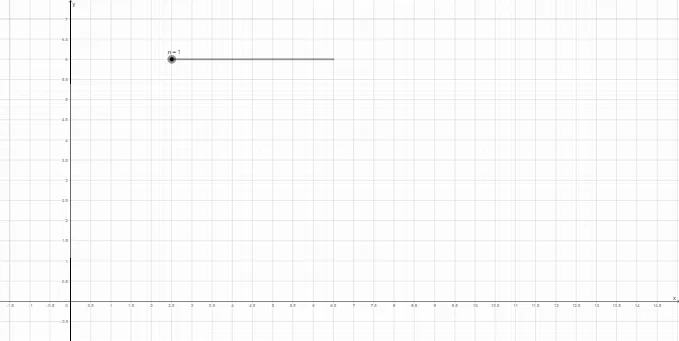
This GeoGebra example uses a step-wise geometric construction to demonstrate what logarithms mean—how a logarithm translates an exponential (power) relationship into a measurable quantity. It centers on the logarithm definition as the inverse of exponentiation, the idea of logarithm as a function, and the visualization of how values progress in discrete steps. Construction highlights: the build relies on geometric commands such as Intersect and Segment to create key line-segment structure from multiple auxiliary objects (f, g, h, p; points A, B, C, D, E, F, G, and others). Equations labeled eq1, eq2, eq3 impose the essential constraints, while tekst1/tekst2/tekst3 provide step-by-step explanations. Suitable for middle school to early university learners, especially for number-and-graph visualization of logarithmic concepts, class demos, and interactive exploration.
GeoGebra Commands & Parameters
Intersect(f, p, (0.69897, 4.999999950079738)) → AIntersect(g, p, (2.3219280947917373, 4.999999999668589)) → BIntersect(h, p, (12.15364, 4.999999943343277)) → CIntersect(eq1, xAxis) → DIntersect(eq2, xAxis) → EIntersect(eq3, xAxis) → FSegment(D, A) → iSegment(B, E) → jSegment(C, F) → kIntersect(p, yAxis) → GSegment(G, A) → lSegment(G, B) → mSegment(G, C) → n_2
AI Drawing Prompt Reference
Draw a geometric construction of a logarithmic function, including functions f, g, and h, and auxiliary line p. First, find the intersection points A, B, and C of f, g, and h with p, then connect these points to their respective intersections D, E, and F with the x-axis, and finally connect these points to the intersection G with the y-axis, forming segments i, j, k, l, m, and n. Observe how these segments illustrate the exponential relationship of the logarithmic function.
The prompt above was compiled from the original drawing commands and is for reference only.