
Square Wave Function Construction
Loading the math board and drawing, please wait…
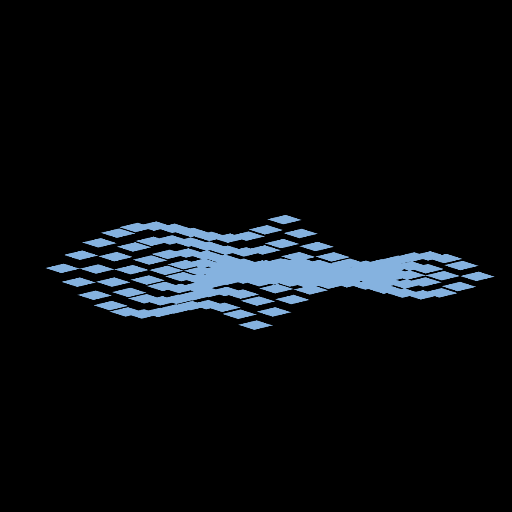
This example demonstrates how to construct a square wave graph using piecewise linear functions. Key math concepts include functions, inequalities, limits, step functions, and angle calculations. Construction highlights involve using GeoGebra commands Polygon, Flatten, Zip to create the square wave, with objects like t, f, n, Ln, button1, A1, A2, A3, A4, s1, a1, a2, a3, a4, LV, LT, speed for dynamic adjustment and parameterization. Suitable for high school mathematics teaching, focusing on function graphing, limit concepts, and dynamic geometry demonstrations.
GeoGebra Commands & Parameters
Polygon(A1, A2, A3, A4) → s1, a1, a2, a3, a4Flatten(Zip[Zip[Vector[(0, 0, 0), (j, k, f(j, k))], k, Ln], j, Ln]) → LVZip(Polygon[Translate[A1, Vector[vec]], Translate[A2, Vector[vec]], Translate[A3, Vector[vec]], Translate[A4, Vector[vec]]], Vector[vec], LV) → LT
AI Drawing Prompt Reference
Draw a square wave function graph using piecewise linear functions. First, construct a rectangle with points A1, A2, A3, and A4. Then, use Flatten and Zip commands to dynamically adjust parameters and combine multiple rectangles to form the square wave.
The prompt above was compiled from the original drawing commands and is for reference only.